[ez-toc]
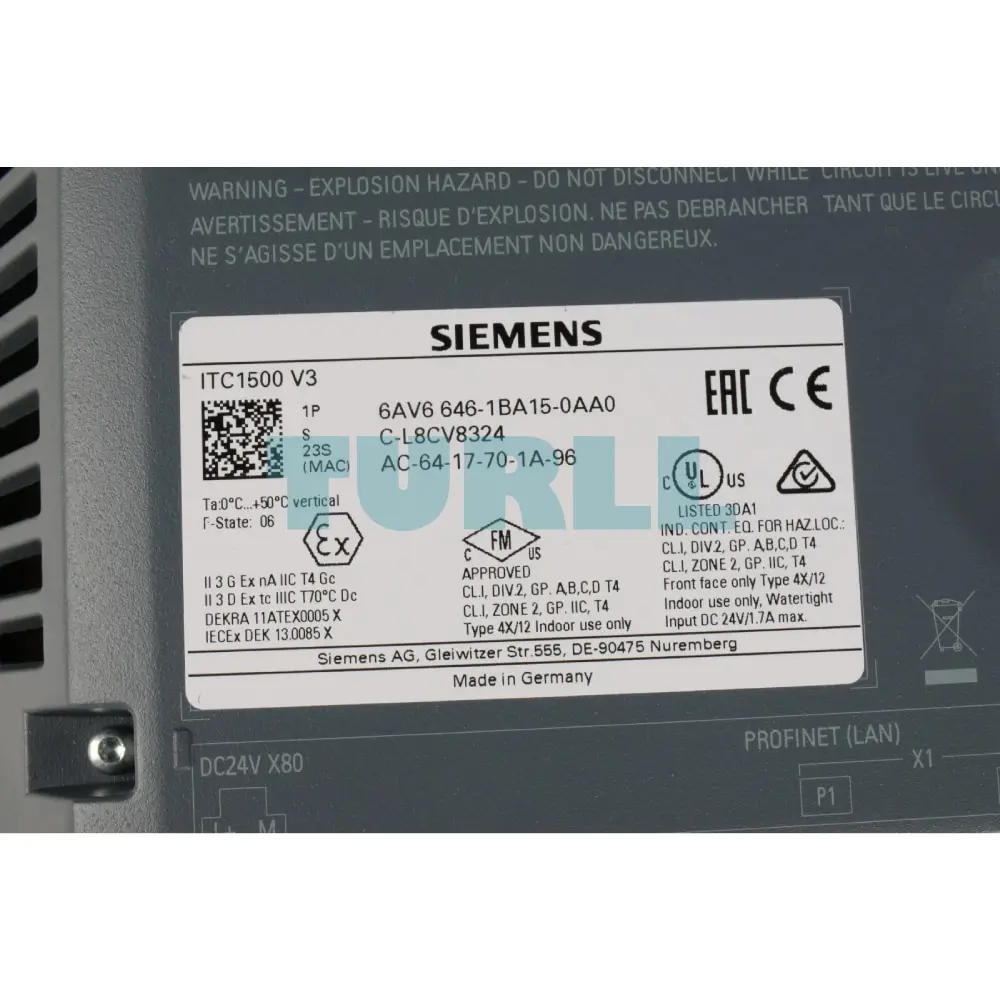
6AV6646-1BA15-0AA0
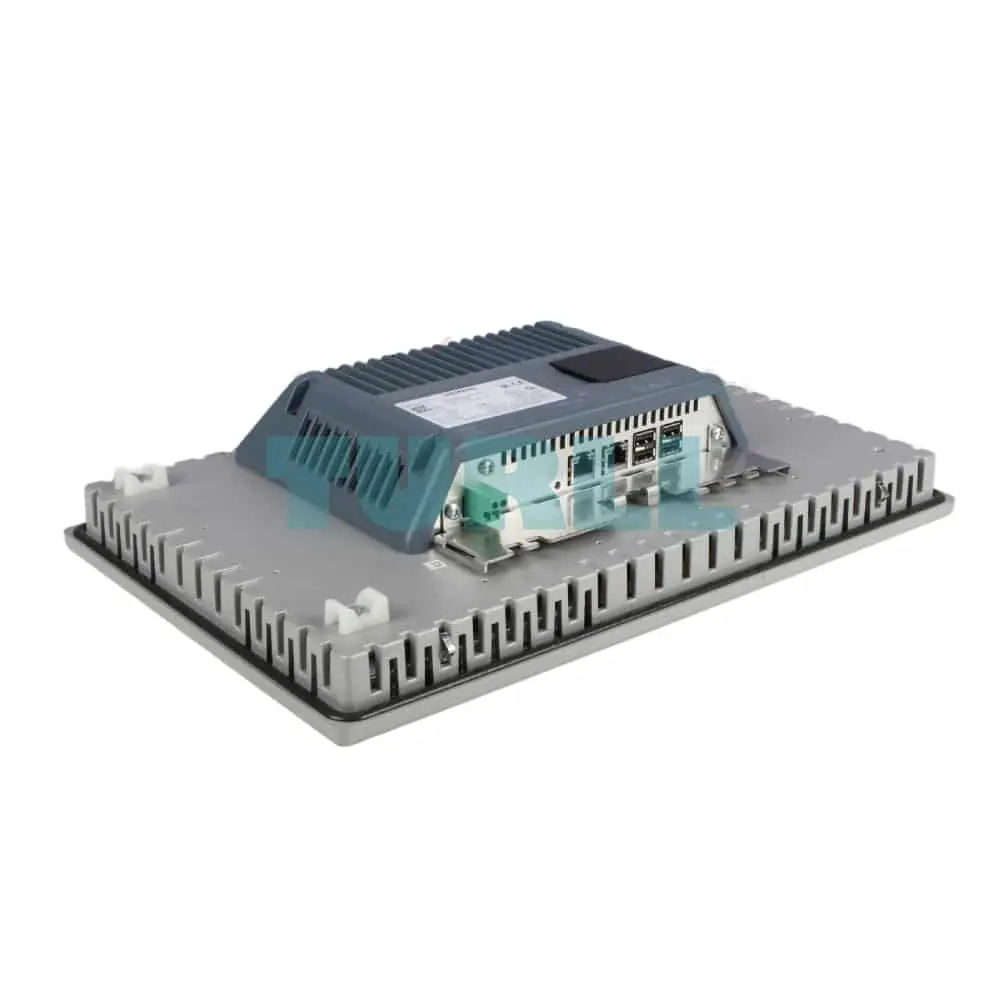
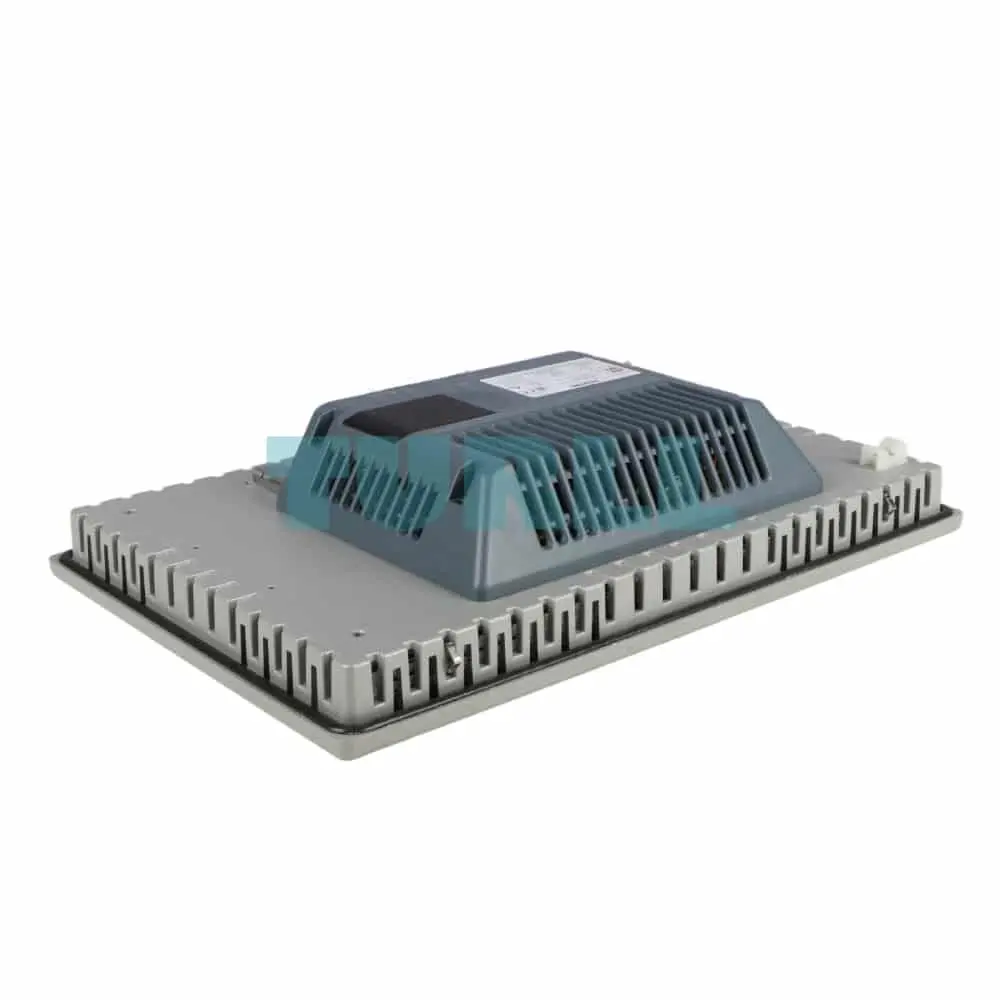
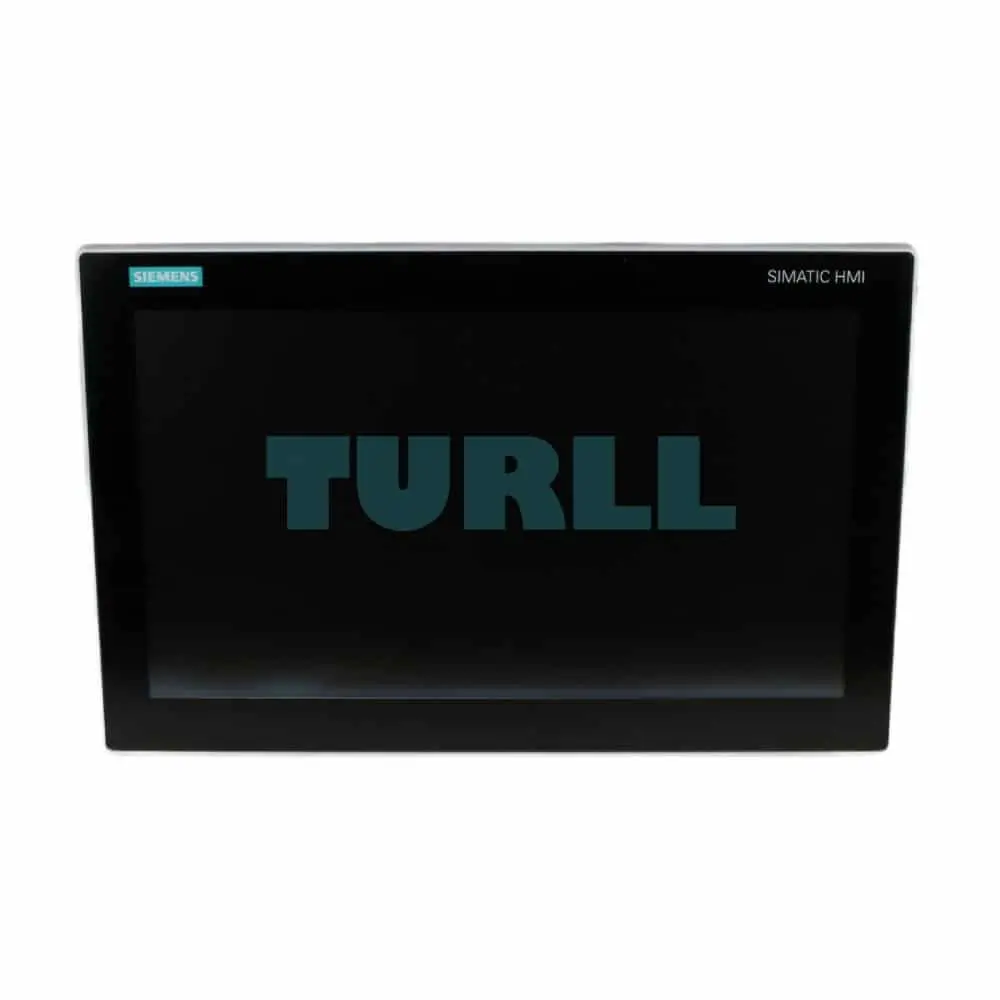
Siemens SIMATIC ITC1500 V3, Industrial Thin Client, 15" widescreen TFT display, capacitive touch sensor, Supported protocols: RDP, VNC, SMARTSERVER HTML5 et. al., Standard Design, panel mount
Overview
SIMATIC ITC Industrial Thin Clients are powerful operating units for flexible use in distributed visualization applications. All devices are equipped with high-resolution, brilliant widescreen displays, and due to the diverse communication protocols they can be used both for challenging machine-level operator control & monitoring and for the connection to control systems, e.g. in the SCADA environment. They can be used as (additional) operator panels on a SIMATIC Industrial PC, Panel PC, or server, and on a SIMATIC Panel or SINUMERIK.
SIMATIC Industrial Thin Clients are also available as glass-front, capacitive multi-touch devices in display sizes 15", 19" and 22".
- SIMATIC ITC1500 V3 – 15" multi-touch 1 366 x 768
- SIMATIC ITC1900 V3 – 19" multi-touch 1 366 x 768
- SIMATIC ITC2200 V3 – 22" multi-touch 1 920 x 1 080
The following installation versions are still available with resistive single-touch:
- SIMATIC ITC1200 – 12" touch
- SIMATIC ITC1500 – 15" touch
- SIMATIC ITC1900 – 19" touch
- SIMATIC ITC2200 – 22" touch
The SIMATIC HMI Thin Client Ex is available for hazardous areas (Zone 1/11). This device differs technically from the devices mentioned above. For more details, refer to the SIMATIC Thin Client EX chapter.
Benefits
SIMATIC Industrial Thin Clients offer a wide range of possible applications, whether as additional operator stations for plant visualization on a Comfort Panel, or as a classical "client" which communicates with a server (e.g. SIMATIC IPC) using standard protocols such as RDP or VNC. The web browser functionality permits simple and fast access to any available web server in the network (e.g. S7 controller, intranet).
Very cost-effective client-server architectures can be implemented with SIMATIC ITCs. A further advantage of SIMATIC ITCs: They communicate exclusively via Ethernet, thus permitting extremely simple and cost-effective coverage of even large distances to the server.
The possibility of using SCADA and Office functionalities (e.g. WinCC, SAP, MS Excel) directly on-site on the machine supports the vertical integration of the data flow from higher-level systems all the way down to the machine level (e.g. warehouse utilization).
With Multisession is it possible to switch between several servers connected to a SIMATIC ITC any time. On the other hand, of course, it is possible to connect several thin clients to a server to implement multi-user solutions. The SIMATIC ITC itself requires no installations, licenses, and additional software.
The following communication options are supported:
- Sm@rtServer for plant visualization with SIMATIC WinCC/SIMATIC WinCC flexible
- RDP (Remote Desktop Protocol) for SCADA and Office functionalities
- VNC (Virtual Network Computing) for remote operation of a PC
- Web browser functionality for operator control and monitoring of web-based applications
- Citrix client server communication
- Web communication with DESIGO building control system components
- Encrypted storage and password security for all configuration data.
Design
The device has IP65 degree of protection on the front. Degree of protection IP20 is supported on the rear.
In addition, the SIMATIC ITC has the following features:
- Gbit Ethernet interface for fast networking with the server via PROFINET and Ethernet networks.
- High-resolution widescreen TFT display with 16 million colors
Resolution:
- 1 280 x 800 pixels (12" and 15")
- 1 366 x 768 pixels (19" ST and 15"/19" MT)
- 1 920 x 1 080 pixels (22")
- A mouse and keyboard as external input media or USB storage media can be operated on the two USB interfaces.
- Printer and storage media are controlled via the host device
Thin clients support automatic parameterization via DHCP. As an alternative, IP addresses can also be assigned manually.
Mode of operation
One or more SIMATIC ITCs are connected over Ethernet to a server (PC or panel). No local applications are executed on the devices themselves (apart from the integrated web browser). All thin clients are provided with the faceplate by the server over the network, and display this faceplate without applications being installed on the thin client. Inputs on the thin client are transferred to the server and processed there. The user operates the thin client as if working on the server itself. Touch operation or operation using a keyboard/mouse connected to the USB interfaces is possible.
Function
Using the various protocols:
- Sm@rtServer
- RDP (Remote Desktop Protocol)
- VNC (Virtual Network Computing)
- Citrix connection
- and the web browser functionality
communication of the SIMATIC ITC with a server takes place.
A thin client can access the SIMATIC WinCC/SIMATIC WinCC flexible visualization software via Sm@rtServer / Sm@rtAccess. The software runs on a server: this can be an operator panel or an IPC. Two or more SIMATIC ITCs can be operated depending on the server's performance capability.
The benefit: If the HMI project is changed, the modification need only be carried out once centrally on the server.
Low-cost and flexible structures can also be set up for SCADA applications using thin clients. For example, the thin client can communicate as an HMI client with the WinCC SCADA software via RDP.
SIMATIC Thin Clients communicate with the classical "PC world" using standard network protocols such as RDP, or VNC. RDP is currently included in every Microsoft operating system and only needs to be activated. A thin client can access the desktop of the server via RDP and carry out remote operation. The use of VNC is also very popular. The main difference to RDP is that VNC displays a "cloned" desktop if two or more operating units are connected.
Via RDP – and with a non-server operating system – only one operating unit can be active at a time and operate the server. In this case, all other stations display the log-in window. Server operating systems/virtualization solutions are therefore used for complex client-server architectures. The principle: The applications which can be accessed by the clients are defined on the server. The clients themselves can then connect to the applications enabled on the server.
As a Citrix client, ITC can be automatically connected to a server application. Upon connection to a WinCC OA server, the thin client downloads the appropriate client software, turning it into a powerful operating station
The SIMATIC ITC represents applications and contents of a web server by means of the integrated web browser functionality. Web-based contents are, for example, diagnostic or user-specific web pages of an S7 controller (PROFINET) or contents from the intranet/Internet.
Integration
Commissioning is very simple. The configuration can be implemented both locally – directly on the device – and remotely from a PC. The configuration options on the device are specially optimized for touch operation and can be operated intuitively.
The SIMATIC ITC only needs an IP address and a host device that it can communicate with. It does not require any local software installations. Therefore there is no need to back up/restore or update the projects, and total cost of ownership is significantly reduced.
SIMATIC ITC can be easily integrated in Ethernet networks or in PROFINET systems thanks to the support of PROFINET basic functions. Distances of 100 meters between client and server can generally be bridged, which means a clear cost reduction compared to standard remote operator fronts via USB/DVI cables. If additional network components are used, e.g. SCALANCE X from SIMATIC NET, the possible distance between the operating unit and server is virtually unlimited.
Visit 6AV6646-1BA15-0AA0
For more our products visit turll.com