[ez-toc]
Overview
Software to support quality assurance of automation programs in the TIA Portal
Contains tools for checking the programming style and for creating test routines for software modules:
- Styleguide Checker:
To ensure a unified programming style, rule sets with programming guidelines in the TIA Portal project can be defined as well as their compliance regularly checked.
- Application test:
To check the correct processing of individual logic blocks or entire S7-1500 applications, test routines with function tests can be created in a TIA Portal project and subsequently executed and validated with help of SIMATIC S7-PLCSIM Advanced V6.0.
- System test:
The system test allows the user to define and execute test cases for a PLC program using OPC UA server interfaces. The system test permits the following tests to be performed:
- Hardware-in-the-loop tests with S7-1200 and S7-1500
- Software-in-the-loop tests with PLCSIM Advanced
New with V19
General:
- The Test Suite can now also be used in the context of multiuser engineering. Changes to the style guide, application test or system test objects are marked in the project navigation in the local multi-user session. At the next check-in, they are transferred to the project server
Application test:
- In addition to PLCSIM Advanced V6.0, the S7-1500 Software Controller family and the Open Controller family as of FW V30.0 are now also supported.
- Significantly shortened test execution due to the new user mode "ExternallyManagedPLCSIMInstance". In this mode, the instance of PLCSIM Advanced is not set up by the Test Suite, but the user sets up the instance once. The application test connects to the prepared instance and performs the selected tests. This means that there is no need to set up and prepare a separate instance of PLCSIM for each individual test case.
- Assert statements can optionally be extended with comments and accompanying values.
System test:
- In addition to the standard SIMATIC and user-defined OPC UA interface, which you set up in the TIA Portal, the system test now also supports companion specifications generated with SiOME.
- The duration of the test execution has been significantly reduced, especially due to the extensive OPC UA server interface.
- System test cases can now also be saved as a copy template in a library.
Licensing
- The software can be installed on multiple computers. The number of existing licenses determines the number of computers on which the software can be used simultaneously (floating license).
- The application tests created with the Test Suite can only be executed in conjunction with SIMATIC S7-PLCSIM Advanced V6.0 or higher. An additional SIMATIC S7-PLCSIM Advanced V6.0 license is only required in "ExternallyManagedPLCSIMInstance" mode.
- There is also the option of completing a Software Update Service.
You can find more information on the Software Update Service, license types, Online Software Delivery and handling your SW licenses with the Automation License Manager under this link.
Benefits
Styleguide Checker:
- Ensuring of a standardized programming style within the company
- Constant high program quality and simple maintainability of the code
- Requirement for standardized applications and libraries
Application test:
- Early error detection and validation of the functionality of S7-1500 programs
- Continuous regression tests as warranty for the stability of software codes
- Ensuring that only the tested code is released and distributed to plants
System test:
- Early black box tests via OPC UA interface - PLC project is not required
- Software-in-the-loop tests with S7-PLCSIM Advanced
- Machine simulation, e.g. with Simit, NX MCD, etc.
- Hardware-in-the-loop tests with S7-1200 & S7-1500 controller
- Several system tests can run in parallel on one PLC
- Automated tests via TIA Portal Openness
Application
Styleguide Checker:
A unified programming style is a basic requirement for standardizing software. Binding regulations and programming recommendations must be set up for this and their compliance regularly checked.
The TIA Portal Test Suite Advanced supports the creation of rule sets and checks compliance with the rules within a TIA Portal project as per user request. At the end, the events of every individual standard check are listed. In case of a rule violation, the user can then navigate to the respective point of use and correct it.
Application test:
In the provision of libraries with standard blocks, it is very important that only the tested code is released and distributed. For this reason, creating test cases for blocks and programs which specifically check the function and the runtime behavior is recommended.
To create such tests, the TIA Portal Test Suite Advanced provides a text editor with which the test cases for S7-1500 applications are written and then executed with support of SIMATIC S7-PLCSIM Advanced V6.0. This makes it quick and easy to validate new block functionalities. At the same time, regression tests can be used to ensure that existing functionality remains unchanged. The risk of using/updating new logic blocks to real machines is significantly minimized thanks to sufficient tests.
Style guide checkers and application tests can be incorporated in continuous integration workflows and run automatically via the available Openness API.
System test:
The system test allows the user to define and execute test cases for an S7-1200 / S7-1500 PLC program using the configured OPC UA server interfaces. Reading and writing of the variable values when executing the tests is thus done purely via the OPC UA interface. Hardware in the loop tests can thus be implemented for S7-1200 / S7-1500. In addition, software in the loop tests can be implemented for S7-1500 projects with the support of PLCSIM Advanced V6.0, which can also be coupled with other software tools, such as Simit or NX MCD. The STEP 7 program to be tested is not required for the test case creation. Only the OPC UA server interface of the CPU must be known. To simplify the test case creation, the OPC UA interface can be imported. Thus, the Test Suite IntelliSense provides support for entering the tests. For test execution, the S7 program must first be loaded onto the CPU. When starting the test execution, the Test Suite connects as OPC UA client to the server interface (IP + port address) specified in the test case and executes the tests.
6ES7823-1TE23-0CA5
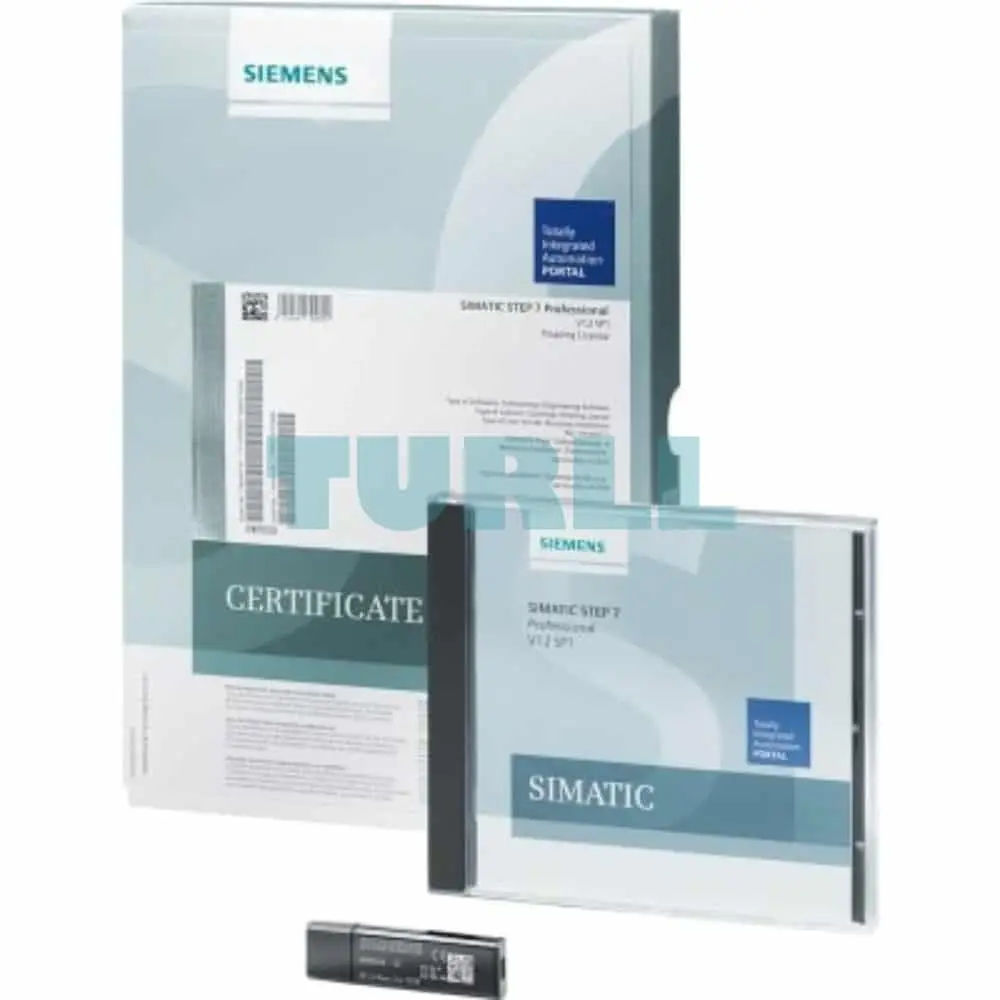
Siemens Test Suite Advanced V19 + PLCSIM Advanced V6.0 Bundle Download contains: TIA Portal Test Suite V19 including floating license, engineering software and documentation, class A, 3 languages: de,en,zh; only executable with STEP 7 Professional V19; SIMATIC S7-PLCSIM Advanced V6.0 software, documentation and license key for download; class A; software 1 language: en documentation 2 languages: de,en; for system requirements specification, see www.siemens.com/compatool - - consignee email address required for delivery
Visit 6ES7823-1TE23-0CA5
For more our products visit turll.com