SIEMENS
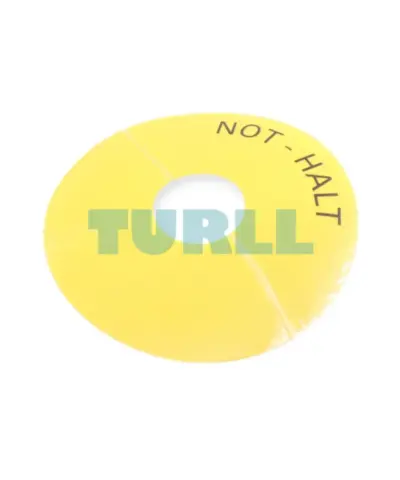
Siemens 3SU1900-0BC31-0AT0 Emergency Stop Backing Plate, Yellow, Self-Adhesive, 75mm Original Brand New
3SU1900-0BC31-0AT0
Original price was: $5.84.$2.36Current price is: $2.36.
In stock
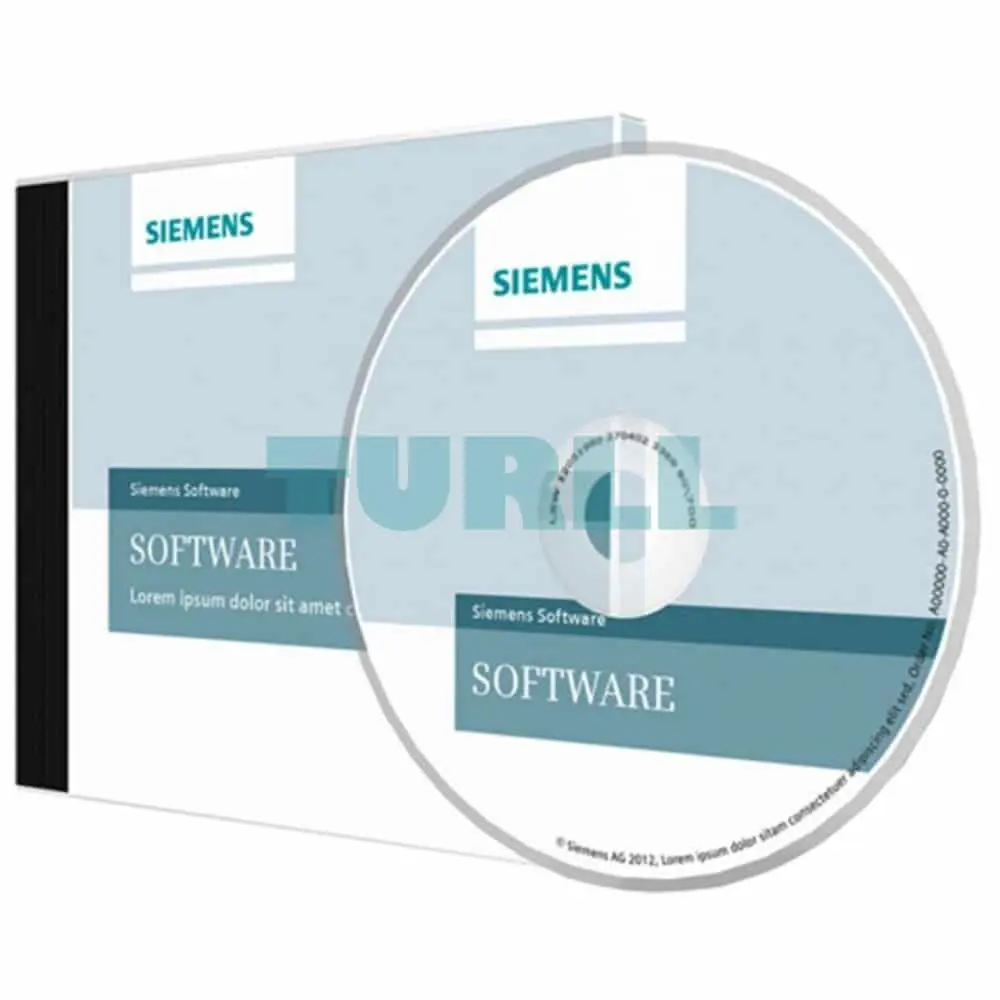
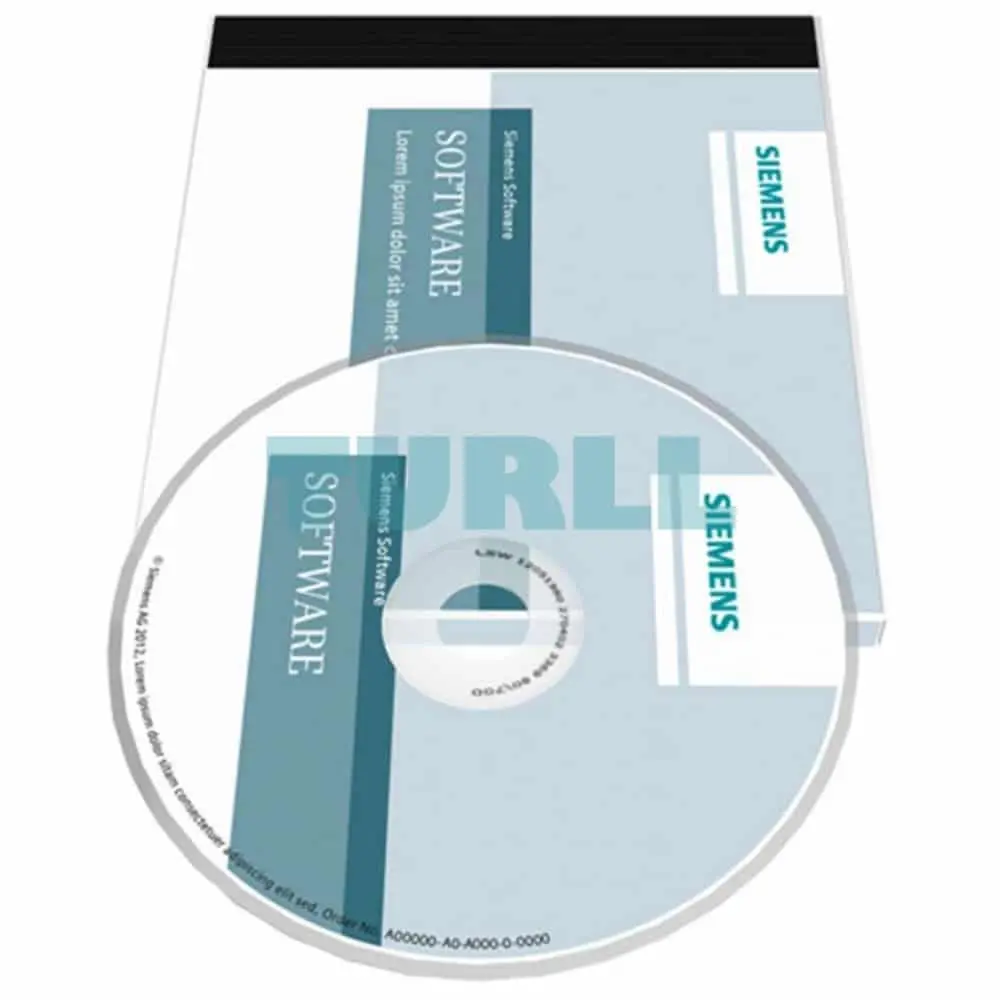
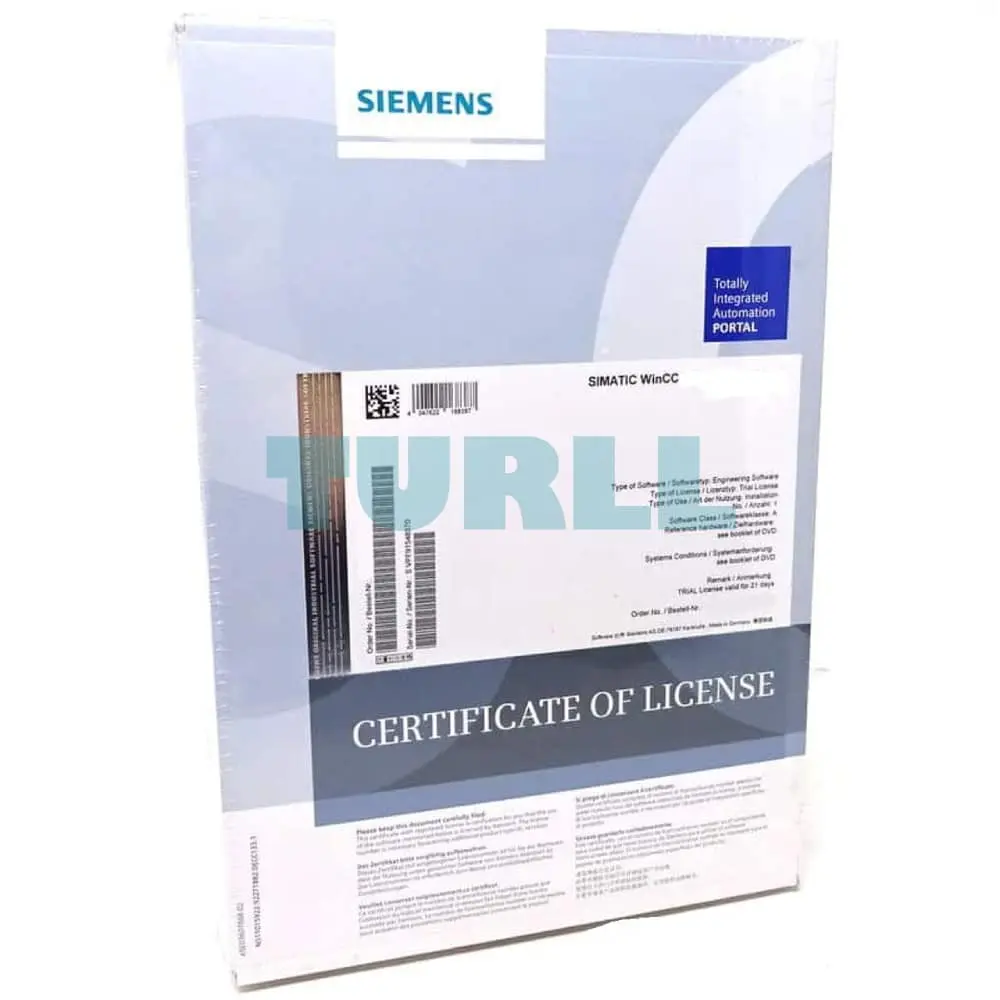
Siemens SIMATIC WinCC Unified V18 Performance Insight; option for WinCC Unified V18; engineering/runtime software; single license; software, documentation and license certificate for download; please observe product release: support.industry.siemens.com entry ID: 109807125 – – consignee email address required for delivery
The WinCC Unified Performance Insight can be used to calculate and analyze plant-specific indicators for individual plant units, machines or entire production lines in machine or line-oriented production plants with WinCC Unified PC systems.
Licensing:
A version-specific Runtime basic license is required to use the option.
In addition, every plant object to which a Performance Insight configuration (e.g. KPI, operand) is assigned either directly or via the plant object type is an "analyzed plant object" in the licensing context.
Graded licenses are available for analyzing plant objects. This number can be increased at any time via additive plant objects (countable licenses).
The licenses are divided into 10, 30, 100 and 300 plant objects.
The configuration of Performance Insight in the engineering does not require a license.
Demonstration of weak points in production processes and deriving optimization potential.
All user groups benefit from the Performance Insight, from the application engineer to management-level evaluators.
The engineer can use the application environment integrated in WinCC Unified to derive individual formulas for calculating performance indicators.
KPIs and operands from Performance Insight are automatically created in event- or time-controlled Excel reports and used by management for production analysis and documentation.
For maintenance, the web client of the WinCC Unified can be used for analysis with the bar (for performance), progression (Gantt) and table controls.
Performance indicators can be displayed on local user interfaces using standard WinCC Unified resources to keep machine operators up to date.
Fault analyses provide information about the frequency and duration of machine or plant downtimes. The included controls can be effortlessly integrated in WinCC Unified process pictures.
The determined data gives information on the effectiveness of individual machines and of entire production plants. The transparency of the data allows for a quick response and countermeasures in the event of faults, which increases the availability of the machine. Structuring of the production plant constituting central elements for evaluation (equipment efficiency)
All of the analysis results are integrated in the form of controls in WinCC Unified screens. Bar (performance), trend (Gantt) and table views are available in WinCC Unified process pictures. Complete transparency throughout the machine park as the basis for optimizing plant productivity via automatic execution of reports.
Siemens SIMATIC WinCC Unified V18 Performance Insight; option for WinCC Unified V18; engineering/runtime software; single license; software, documentation and license certificate for download; please observe product release: support.industry.siemens.com entry ID: 109807125 - - consignee email address required for delivery
Visit 6AV2156-0BP01-8LA0
For more our products visit turll.com
| SKU / Model | 6AV2156-0BP01-8LA0 |
|---|---|
| Weight | 0.001 kg |
| Dimensions | 1 × 1 × 1 mm |
Request a quote for project quantities, discontinued or obsolete models, and pro-forma invoice / bank transfer orders. Our sourcing team responds fast.