★★★★★ Excellent  4.9/5 (1000)
100% Original
🛡️ 1 Year Warranty

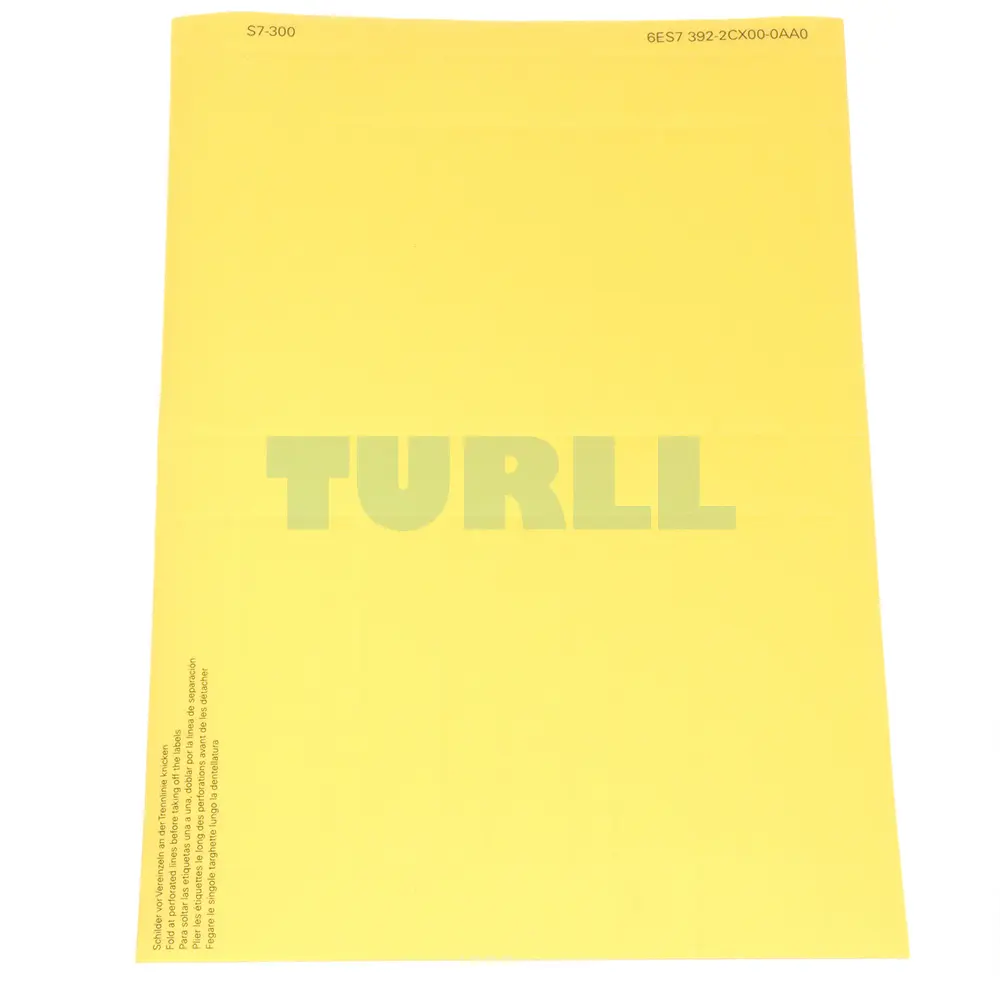
6ES7392-2CX10-0AA0 Siemens SIMATIC S7-300 Labeling Sheets Original Brand New

$109.26

6ES7392-2CX10-0AA0

Siemens SIMATIC S7-300, 10 labeling sheets DIN A4, Color: yellow, 10 labeling strips/sheet, for signal modules (32 channels), Material: foil, pre-perforated, for printing with laser printer, 10 sheets per packing unit

- +
SKU: 6ES7392-2CX10-0AA0 Category:
Global Express Shipping DHL / FedEx / UPS
100% Original & Brand New Factory Sealed Box with 1-Year Warranty
Secure Payment SSL ENCRYPTED
We accept Visa, Mastercard, PayPal, Google Pay and Apple Pay

[ez-toc]

6ES7392-2CX10-0AA0

Siemens SIMATIC S7-300, 10 labeling sheets DIN A4, Color: yellow, 10 labeling strips/sheet, for signal modules (32 channels), Material: foil, pre-perforated, for printing with laser printer, 10 sheets per packing unit


Overview

Labeling sheets
  • Film sheets for the application-specific labeling of SIMATIC S7-300 I/O modules using standard laser printers
  • Plain color films, tear-resistant, dirt-repellent
  • Simple handling:
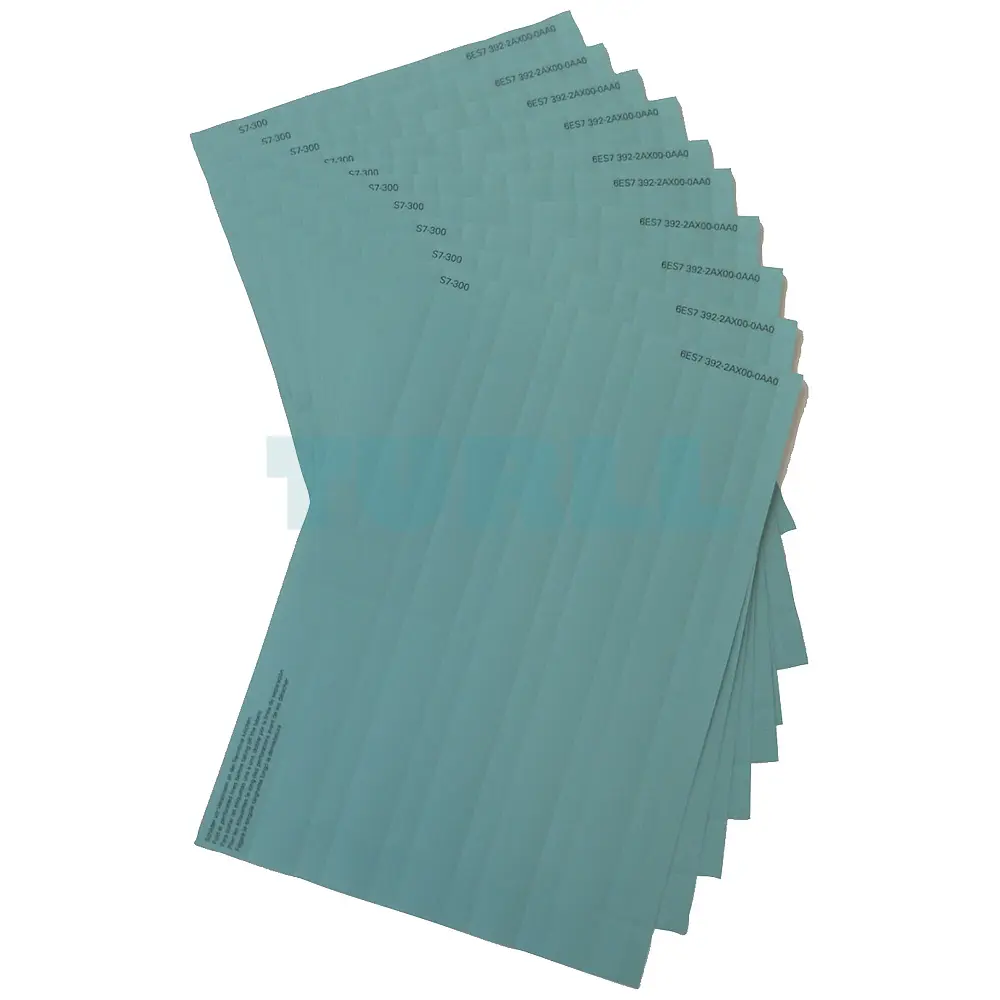
    • perforated labeling sheets in DIN A4 format for easy separation of the labeling strips.
    • the separated strips can be attached directly onto the I/O modules.
  • Different colors to distinguish between different module types or preferred applications:
    The labeling sheets are available in the following colors: petrol, light beige, red, and yellow. Yellow is reserved for fail-safe systems.
Labeling covers
  • Petrol-colored film
  • For sealing and fixing of custom labeling strips on normal paper
  • Accessories, 10 units

Application

Labeling sheets

The machine printable labeling sheets for SIMATIC S7-300 I/O modules, including FMs, are prerequisite for professional and convenient labeling of SIMATIC modules.

Efficient labeling enables:

  • Time and money to be saved during wiring
  • Time and money to be saved during the commissioning (e.g. signal test)
  • Possibility of quick assignment of hardware/software (e.g. during servicing)
  • Quick and convenient creation of labels

The application-specific, mechanical labeling can be performed without any great effort, using standard laser printers, in two ways:

  • Printing with the help of templates, downloaded free of charge from the Internet, or
  • Printing using the Add On-Tool “S7 SmartLabel” for SIMATIC STEP 7.

Module labeling ensures a tidy appearance in all phases of the project.

The label sheets can be ordered separately. The labeling strips that have previously been enclosed with the modules will continue to be delivered.

Design

Labeling sheets

The labeling sheets are single-color, tear-resistant and dirt-repellent films. The labeling sheets are available in the following colors: petrol, light-beige, red, and yellow. This allows them to be easily distinguished, for example according to different module types or application areas.

The labeling sheets for S7-300 I/O modules are available in DIN A4 size.

They contain pre-perforated labeling strips which can be separated easily from one another without the use of tools. The edges of the removed strips have a clean appearance.

Function

Labeling strips

There are two easy ways to perform application-specific labeling of SIMATIC S7-300 I/O modules using standard laser printers:

  • Printing with the help of templates, downloaded free of charge from the Internet, or
  • Printing using the “S7 SmartLabel” add-on tool for SIMATIC STEP 7.

Using templates from the Internet

The templates are intended for printing directly onto the printable label sheets. The sheets are printed using a laser printer.

The templates are available for downloading free of charge from the Internet. They can be found, for example, by entering the key word “label” in the search function on the customer support home page.

The templates can be used in conjunction with standard Microsoft applications (e.g. Word). The application-specific designations (symbols) are to be integrated into the templates.

Using the “S7 SmartLabel” add-on tool for SIMATIC STEP 7

The labeling can be extracted and the printing of the label sheets can be initiated directly from the STEP 7 project. The table of symbols in STEP 7 represents the basis for the application-specific labeling. Templates (see above) are not required separately for this purpose. The “S7 SmartLabel” program is described in detail on the Internet.


Visit 6ES7392-2CX10-0AA0

For more our products visit turll.com

Weight 0.222 kg
Dimensions 215 × 300 × 10 mm

Reviews

There are no reviews yet.

Be the first to review “6ES7392-2CX10-0AA0 Siemens SIMATIC S7-300 Labeling Sheets Original Brand New”
Shopping Cart
6ES7392-2CX10-0AA0 Siemens SIMATIC S7-300 Labeling Sheets6ES7392-2CX10-0AA0 Siemens SIMATIC S7-300 Labeling Sheets Original Brand New
$109.26
- +
Scroll to Top