[ez-toc]
Overview
- For configuring and programming sequential processes using sequencers
- Standardized representation to EN 1131-3
- Clearly comprehensible program thanks to structuring of the process into separate steps
- With extensive diagnostic functions, integrated in the SIMATIC diagnostics concept
- With PLCopen Base Level certificate
- For use in SIMATIC S7-300 (recommended for CPU 315 and CPU 312C or higher), S7-400, C7 and WinAC
Licensing
- S7 GRAPH is an integral part of the STEP 7 Professional software package or is available as a stand-alone software product.
- S7-Graph V5.7 is supplied with a floating license. The floating license allows installation of the software on any number of computers. This means one user per license can use the software independently of the computer used and without being tied to a specific workstation. The number of licenses acquired determines the number of computers on which the software can be used simultaneously.
- An upgrade to version 5.7 is available for users of previous versions as of V5.3.
- A separate update service can be purchased for S7-GRAPH.
- A trial license valid for 21 days is available for download via the Industry Online Support under this link.
You can find more information on the Software Update Service, license types, Online Software Delivery and handling your SW licenses with the Automation License Manager under this link.
Application
The engineering software S7-GRAPH is used to configure and program sequences within a process in a standardized presentation format (according to EN 61131-3). The sequence (e.g. manufacturing of a component) is subdivided into consecutive or simultaneous steps.
Subdivision makes the PLC program clearer and easier to analyze in the event of a fault. This is particularly helpful in manufacturing industry to prevent costly downtimes.
When working with S7-GRAPH, the user is presented with a modern Windows user interface with pixel graphics, windows technology and zoom functions.
The methodical procedure and clear presentation make S7-GRAPH efficient software for the description of sequential processes.
S7-GRAPH can be used in the SIMATIC S7-300 (CPU 314 and CPU 312C and higher are recommended), SIMATIC S7-400, SIMATIC C7 and SIMATIC WinAC automation systems.
S7-GRAPH has received the PLCopen Base Level certificate. For details see under PLCopen.
Function
- Overview:
The complete sequence structure can be represented.
- Single sheet view:
The sequence structure, the step enabling conditions and the step actions can be displayed together on one sheet.
- Detailed display:
The actions and transitions (with step enabling conditions) belonging to a step and the interlock and supervision conditions are displayed together.
- Flexible sequencer structure:
With simultaneous and alternative branches, jumps within sequencers, step enabling and disabling, the user has a large number of possibilities for describing the task. Any number of sequencers can be configured in the same block.
- Languages:
The available languages enable simple programming of conditions and actions for the user.
- Online functions:
Display of active steps, status of the interlock, supervision and step enabling conditions, as well as executed actions.
- Performance:
Good performance is achieved through the selective processing of the steps. The processing time of a sequencer is independent of the number of steps.
- Linking to project-wide documentation system (DOCPRO).
- Memory requirements of the administration part can be adjusted as required;
S7-GRAPH offers different configurable compiler options to integrate the general management part of the sequencer block:
- "Runs standalone" option:
The administration part (approx. 5 KB) is contained in every function block generated by S7-GRAPH. This is the solution for small applications with only one sequencer block.
- Option with "standard FC":
The administration part is stored in a separate block which only exists once per project and is used by all sequencer blocks. Depending on the type of this standard FC, the memory requirement is 8 or 10 KB.
- System function "FC 73" (as of V5.1):
The FC 73 enables a lower-memory solution of under 8 KB, which is particularly interesting for the smaller CPUs of S7-300. However, the following restrictions apply when using the FC 73:
- The created blocks are not capable of diagnostics.
- Visualization of the created blocks is limited.
- Synchronization functionality:
Sequencers can be controlled and synchronized with the current state of the plant/machine. In the event of program changes with download of the instance DB, the sequence is automatically reset to the basic setting. By means of the "Control sequence" function, it is now possible to set and reset steps directly from the programming device so that the sequence can be reset to the state of the plant before the program change. Synchronization can also be performed directly from the programming device. All transitions and interlock conditions are automatically acquired in the process and the possible steps are marked. Then, the user only needs to select and activate the step or steps.
- User-defined call interface:
For the call interface of the sequence block, there are two possible options:
- Predefined parameters sets, choose between Mini, Standard and Maximum.
- User-defined parameters for flexible adjustment to the requirements of the application.
- Extensive diagnostic functions:
Identification of error causes by displaying or signaling the faulty step. Furthermore, inclusion in the SIMATIC diagnostics concept with SIMATIC ProTool/Pro and SIMATIC ProAgent enables the simple integration of Operator Panels and WinCC for fault display with plain text and for display of the causing signals (criteria analysis).
- Advanced printing functions (as of V5.1):
- A page break is always inserted after a "step plus transition".
- A page break can be set at sequence/graph end.
- A separate comment can be entered for each graph.
- Improved window structure (as of V5.1):
The S7-GRAPH work window only contains the sequencer to be edited. All additional information required for programming can be shown and hidden as required by the following windows:
- Information on the interface of the block (block parameters and tags).
- Used operands (including status display for all data types).
- Cross-references to other points of use of operands in the program.
- Used symbols from the symbol table.
- Simultaneous selection of multiple objects with the usual Windows procedure (as of V5.1):
- Lasso function (selection frame around the desired elements) with "cut, copy, paste" for simple and fast copying and deletion of steps and transitions.
- Items that are not next to each other can be selected with the "CTRL" button.
- In parallel structures, individual branches or graphs can be selected and deleted with the lasso function.
Mode of operation
In the sequencers, the individual steps of a process and the transitions to the next steps are displayed as rectangles and lines (picture). In the steps, actions can be triggered and their execution can be controlled by so-called "qualifiers" (e.g. time-delayed or conditional execution). For example, if a drilling process is described with a sequencer, "Sink the drill" is a step and "Actuate the associated motor" is an action.
The conditions under which a transition to the next step should take place are described in the transitions. In the "Drilling process" example, the step-enabling criterion of the sequencer would be met with the "Lower end position reached" condition.
In addition, interlock and supervision conditions can be defined for each step.
The execution of actions can be prevented with an interlock. Supervision conditions serve to identify sequence errors. All conditions (transitions, interlocks and supervisions) can be programmed in either LAD or FBD.
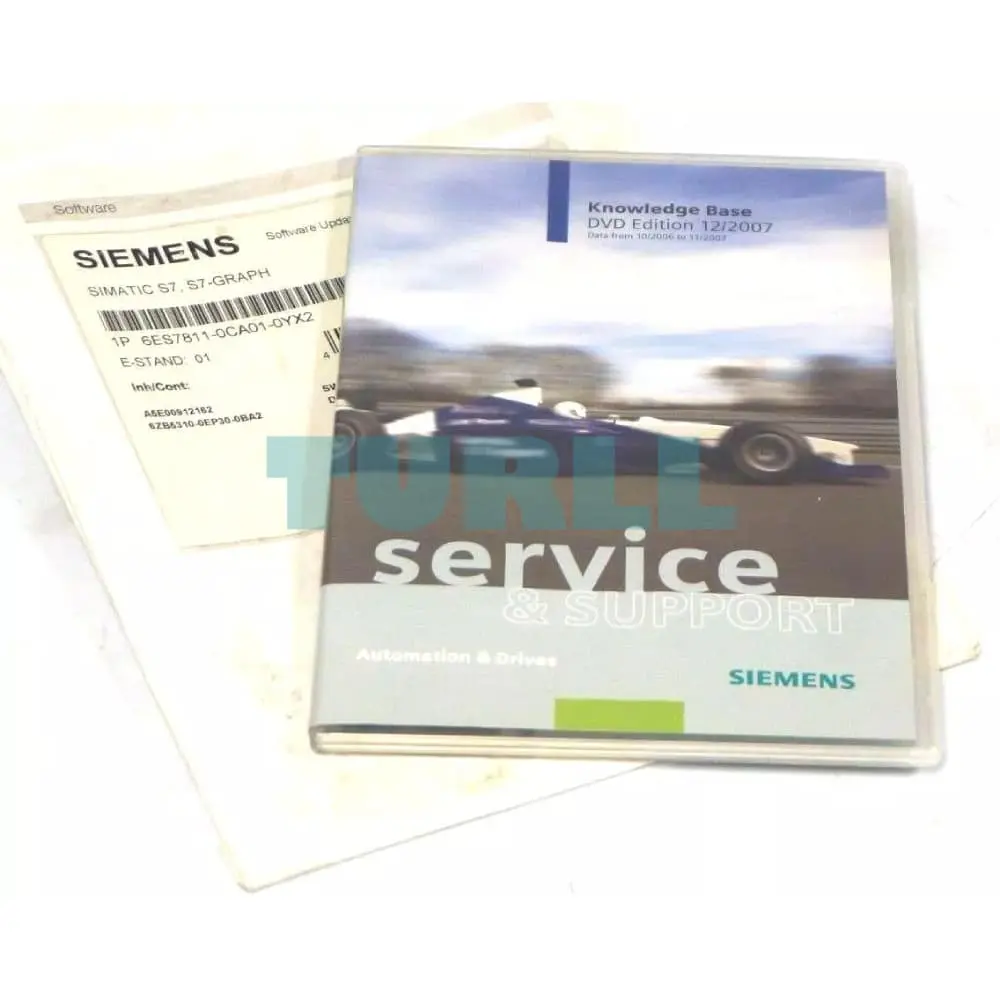
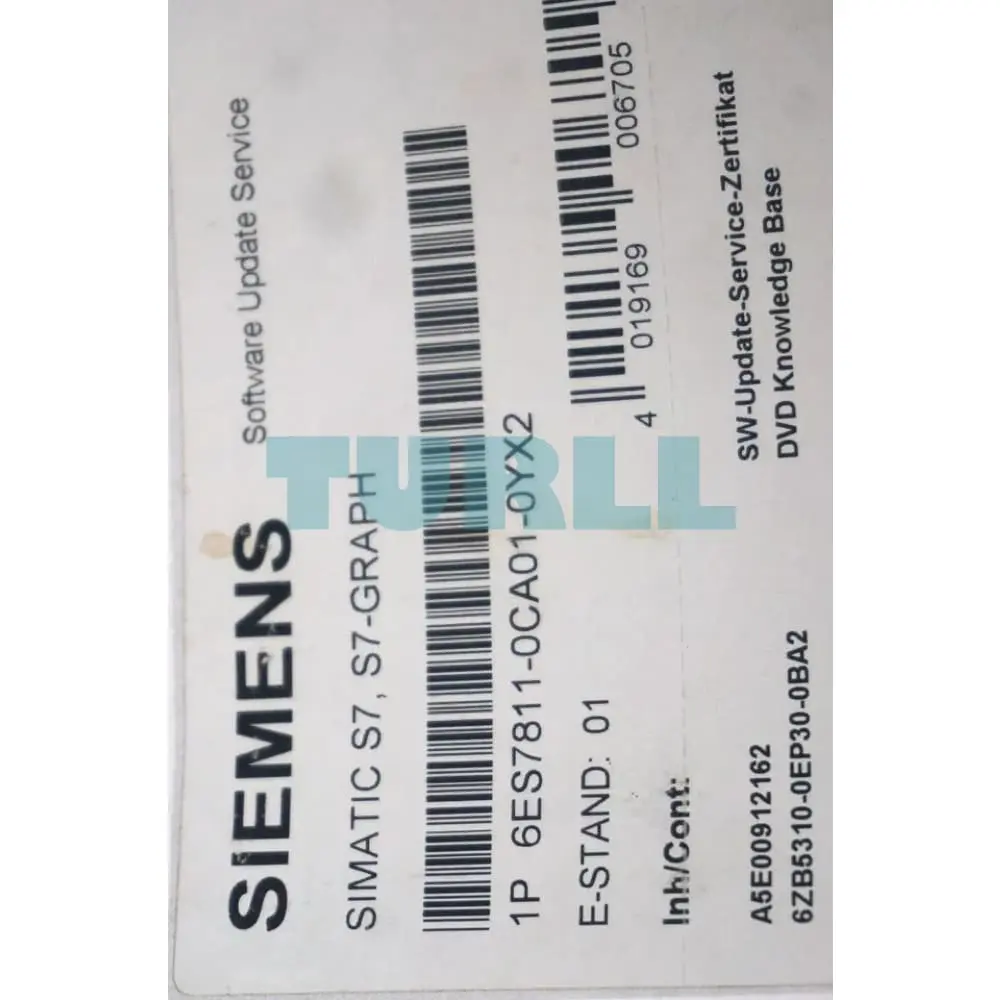
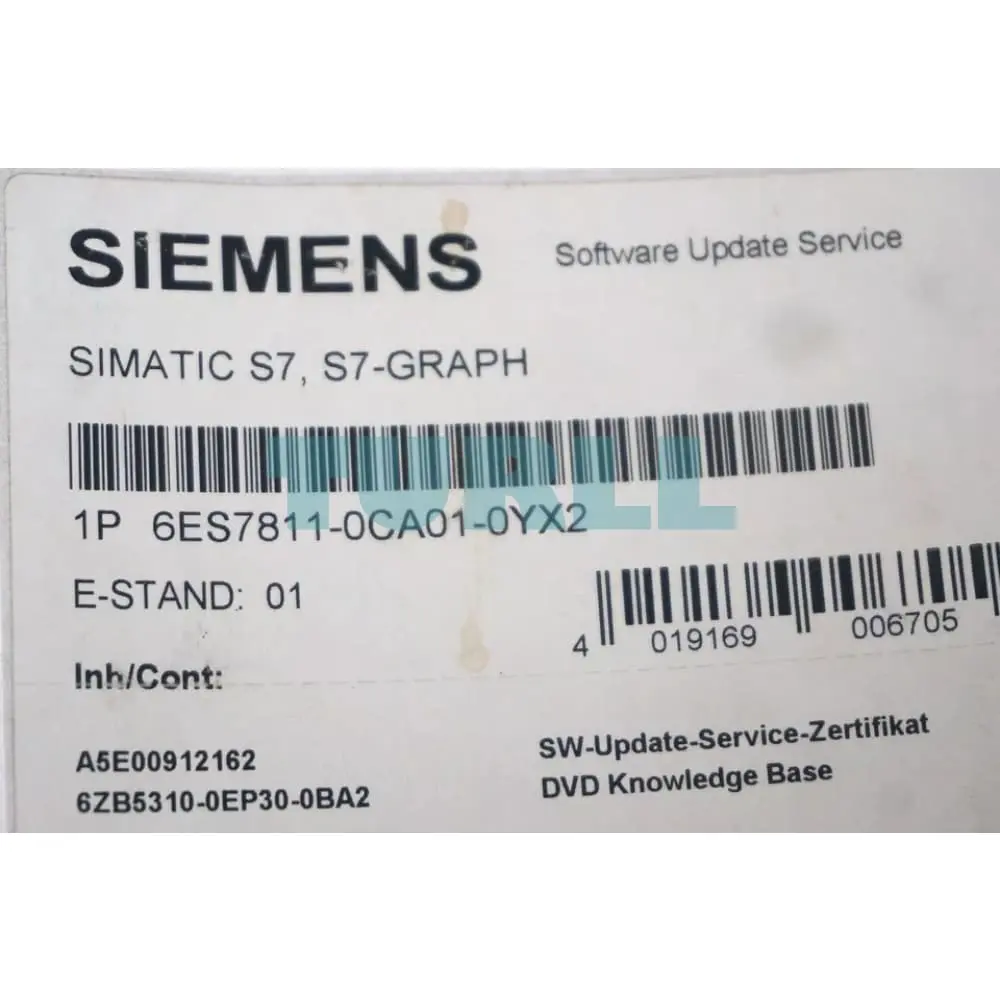
6ES7811-0CA01-0YX2
Siemens SIMATIC S7, S7 GRAPH Software Update Service within the framework of this contract, you will receive for one year all up-to-date software versions. the contract is extended automatically by 1 year if it is not canceled 3 months prior to expiration. Period of delivery and service: 1 year from date of invoice Requirement for conclusion: current version of the software
Visit 6ES7811-0CA01-0YX2
For more our products visit turll.com