[ez-toc]
Overview
- For integrating continuous PID controllers, pulse controllers and step controllers in the application program
- Reduces engineering costs thanks to time-saving parameterization and optimization of the controller
- For use in SIMATIC S7-300 (CPU 313 or higher), S7-400 and WinAC
Licensing
- The Standard PID Control consists of a parameterization tool (engineering software) and function blocks (runtime software).
- The engineering software can be installed on multiple computers. The number of existing licenses determines the number of computers on which the software can be used simultaneously (floating license).
- Function blocks may be copied as often as required onto any programming devices/PCs. However, one license is always required for each CPU on which they are used.
You can find more information on the Software Update Service, license types, Online Software Delivery and handling your SW licenses with the Automation License Manager under this link.
Application
The Standard PID Control software package allows the integration of
- continuous PID controllers,
- pulse controllers and
- step controllers
in the user program.
The parameterization tool with integrated controller setting allows the controller to be parameterized and optimally adjusted in the shortest possible time and so saves engineering costs.
The new control algorithm for the step controller helps to extend the service life of the final controlling elements.
Standard PID Control is suitable for use in S7-300 (CPU 313 and higher), S7-400, and WinAC.
Design
Standard PID Control consists of a parameterization tool and standard function blocks with the different controllers.
The following turnkey application examples are supplied with the software:
- Fixed-setpoint controller with switching output for integrating actuators
- Fixed-setpoint controller with continuous output for proportional actuators
- Multiloop feedback ratio control
- Blending controllers
- Cascade controllers
A user-friendly SETUP program provides support for software installation.
Function
Parameterizing tool
The parameterization tool has an easy to understand and easy to use Windows user interface. The following functions are available:
- Block diagram:
With a block diagram, the controller can be easily parameterized. The individual functions can be connected or disconnected by means of software switches.
- Test functions via loop display and trend curves:
The loop display can be used for operating and monitoring the controller for test purposes. The graphic plotter records up to four signal curves. This is particularly useful for verification of the quality of the process and supports fault diagnosis.
- Wizard for control loop optimization:
The wizard guides the user step by step through the controller optimization procedure, thus enabling rapid startup without requiring control-specific expertise.
- Variable transient response:
The transient response of the control loop can be selected such that the control loop responds with an overshoot of approximately 10 % for an enhanced dynamic response. If this is not desired, the controller can be optimized so that no overshoot occurs.
- Context-sensitive, user-friendly Help:
Appropriate assistance is immediately available at every point in the program if required.
Standard Function Blocks
For the standard function blocks, the controller structure is prefabricated and the data structure is defined. The following functions can be connected and disconnected by software switches:
- Setpoint-value processing with setpoint-value generator, time scheduler, scaling, function call, limiting of setpoint-value slope (acceleration-rate limiter) and limiting of setpoint value
- Actual-value processing with scaling, smoothing, square root, function call, limit-value monitoring and monitoring of the actual-value slope
- System deviation processing with deadband and limit-value monitoring
- PID algorithm, with and without position feedback on the step-action controller
- Control output processing with manual or automated system transfer, manual value generator, FC invocation, limiting of the setpoint value, slope and scaling.
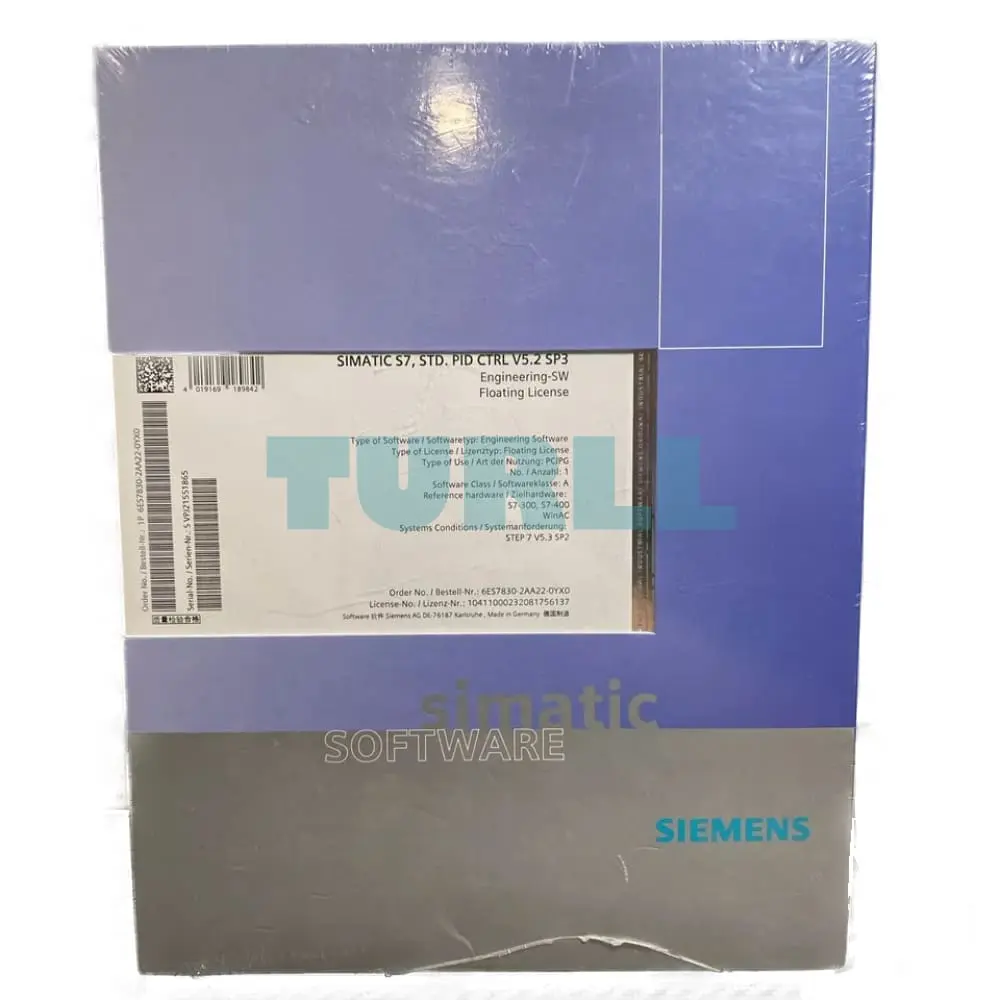
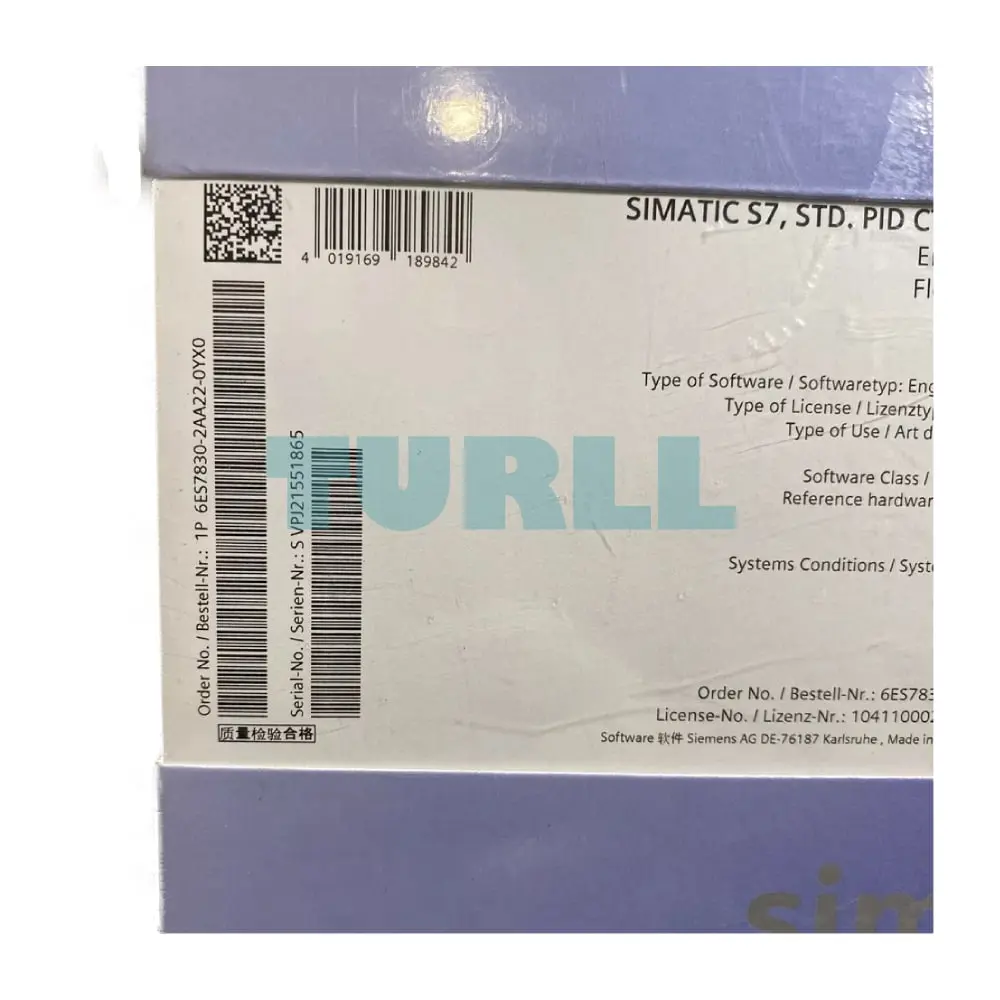
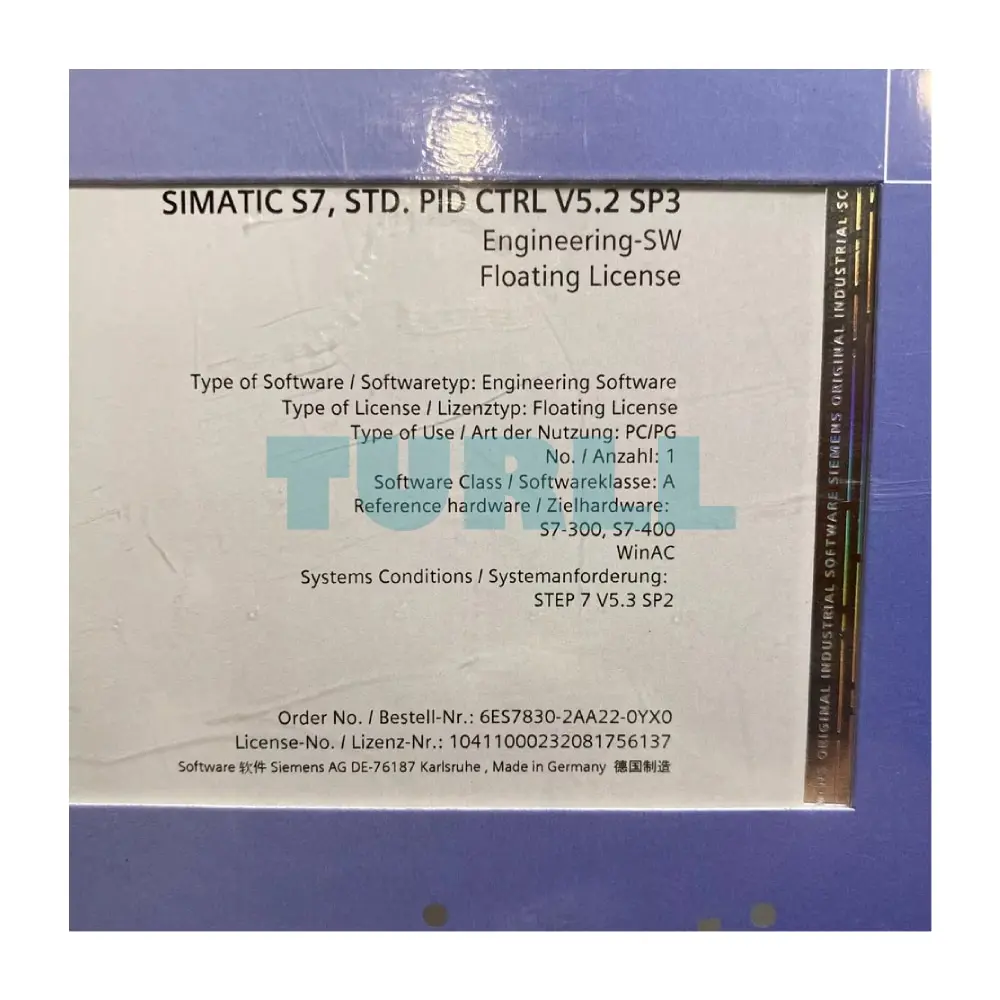
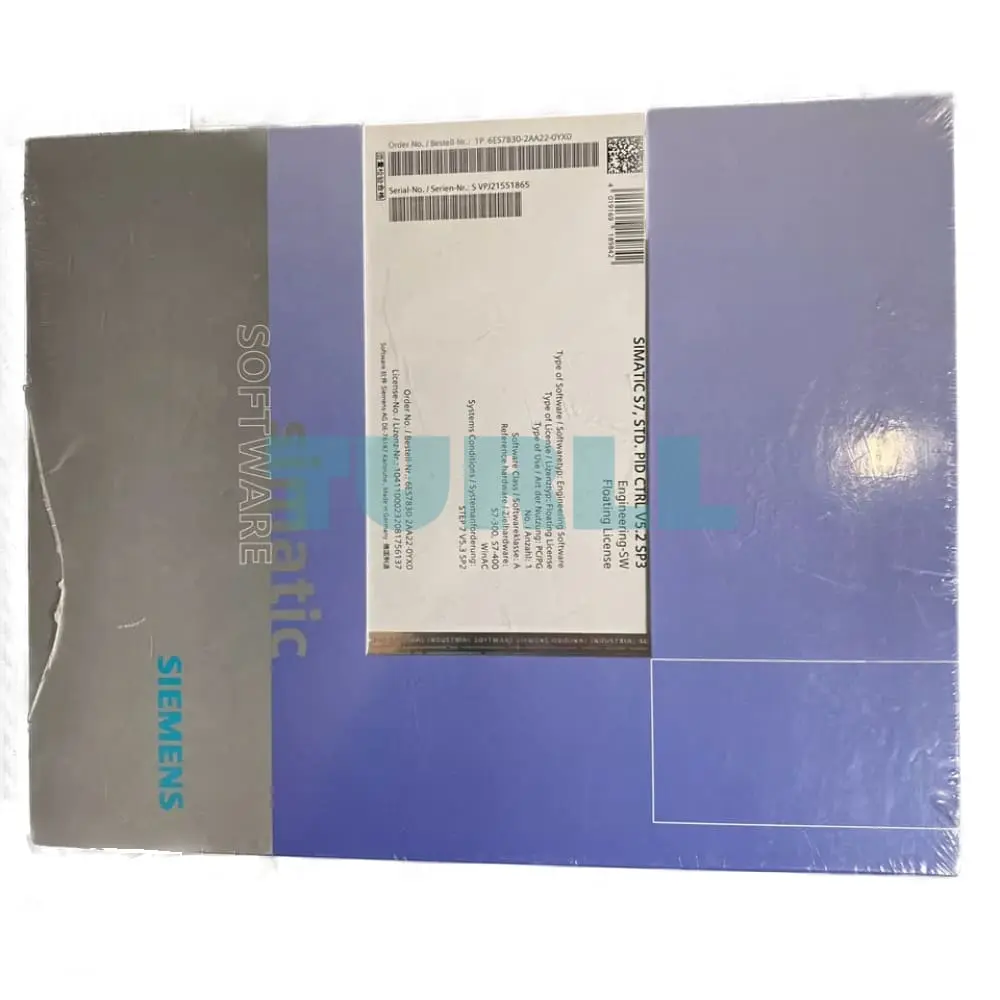
6ES7830-2AA22-0YX0
Siemens SIMATIC S7, Version PID Ctrl V5.2, parameterization software, floating license for 1 installation, E-SW, SW and documentation on CD, license key on USB flash drive, Class A, 2 languages (de, en), executable in STEP 7 from V5.6; older software for STEP 7 from V5.3 SP2 as download available
Visit 6ES7830-2AA22-0YX0
For more our products visit turll.com