SIEMENS
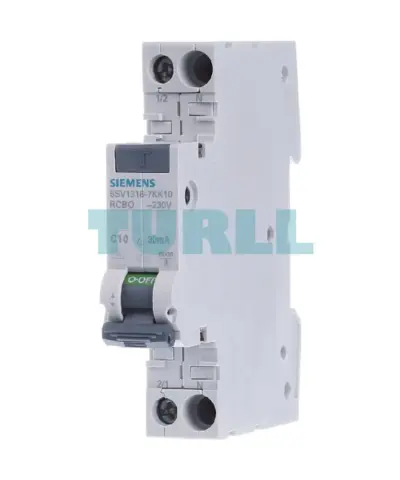
Siemens 5SV1316-7KK10 RCBO Compact, 1-Pole+N, 10A (C10), 30mA Type A, 6kA Original Brand New
5SV1316-7KK10
$62.70
Out of stock
Out of stock
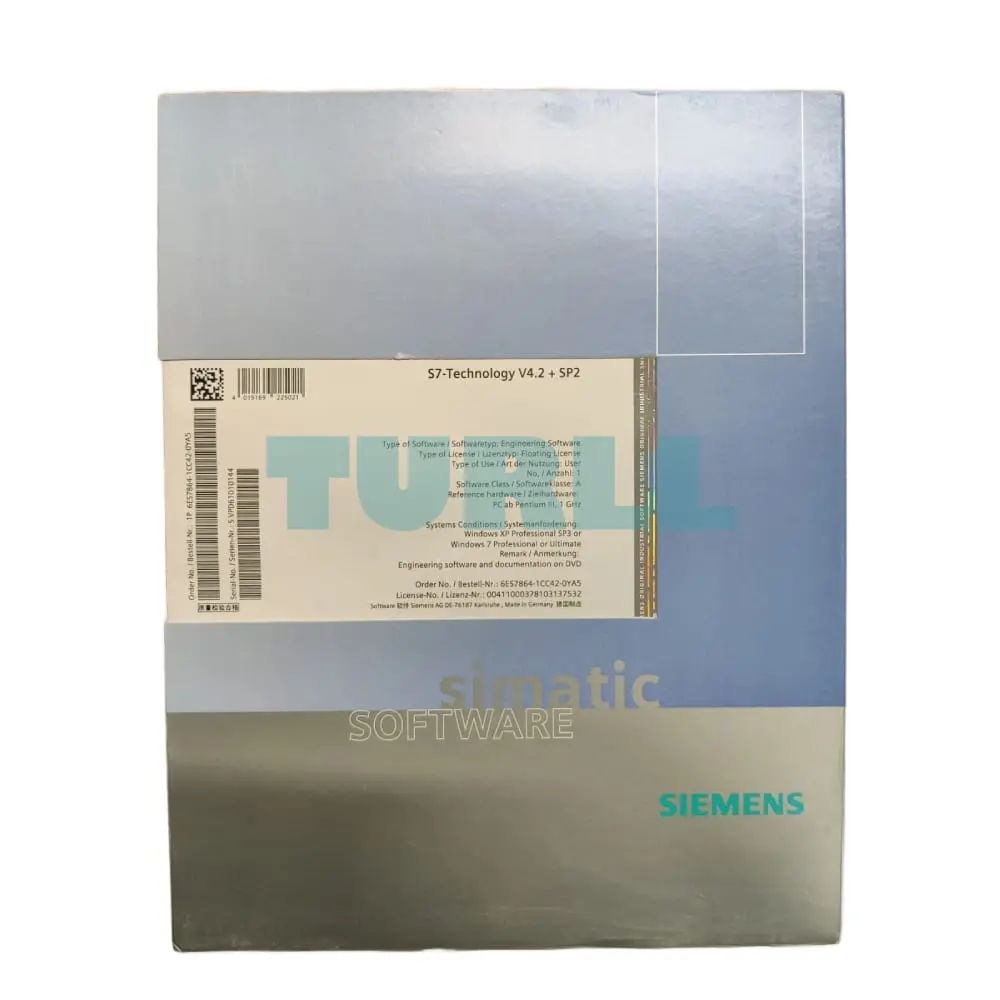
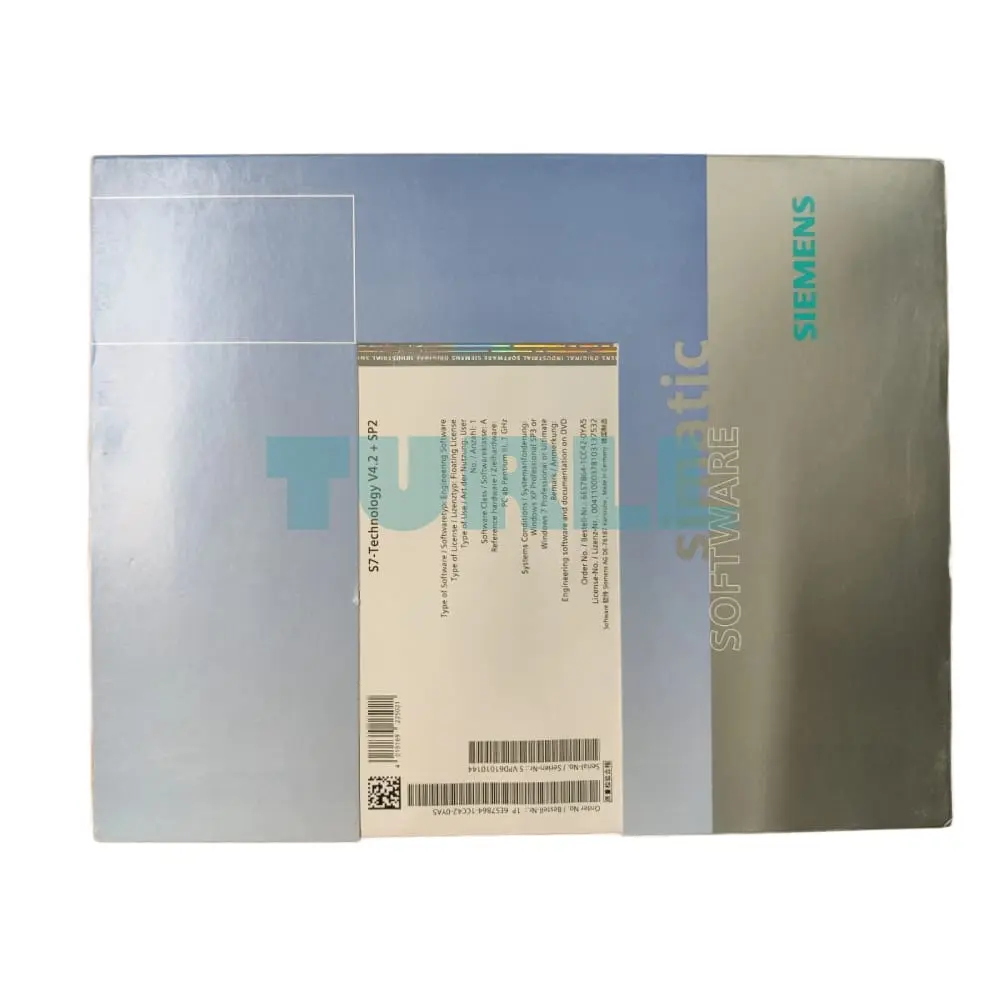
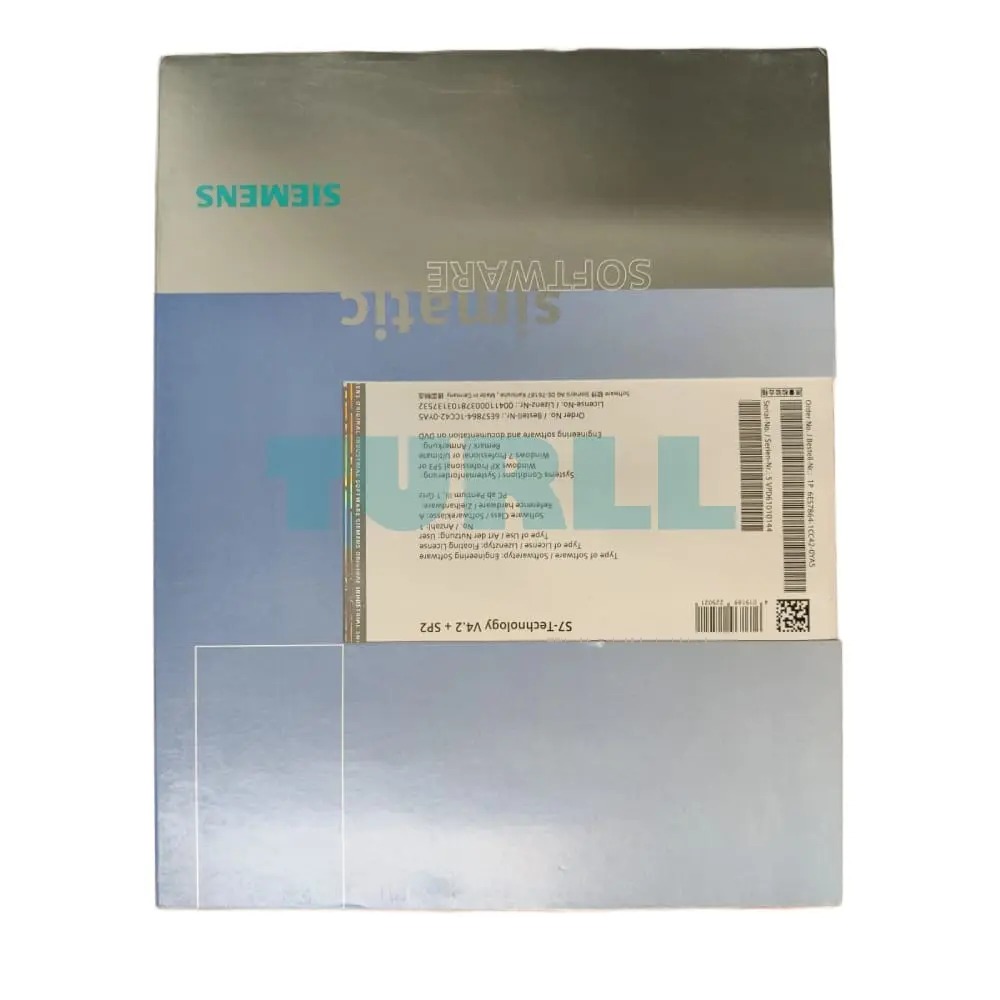
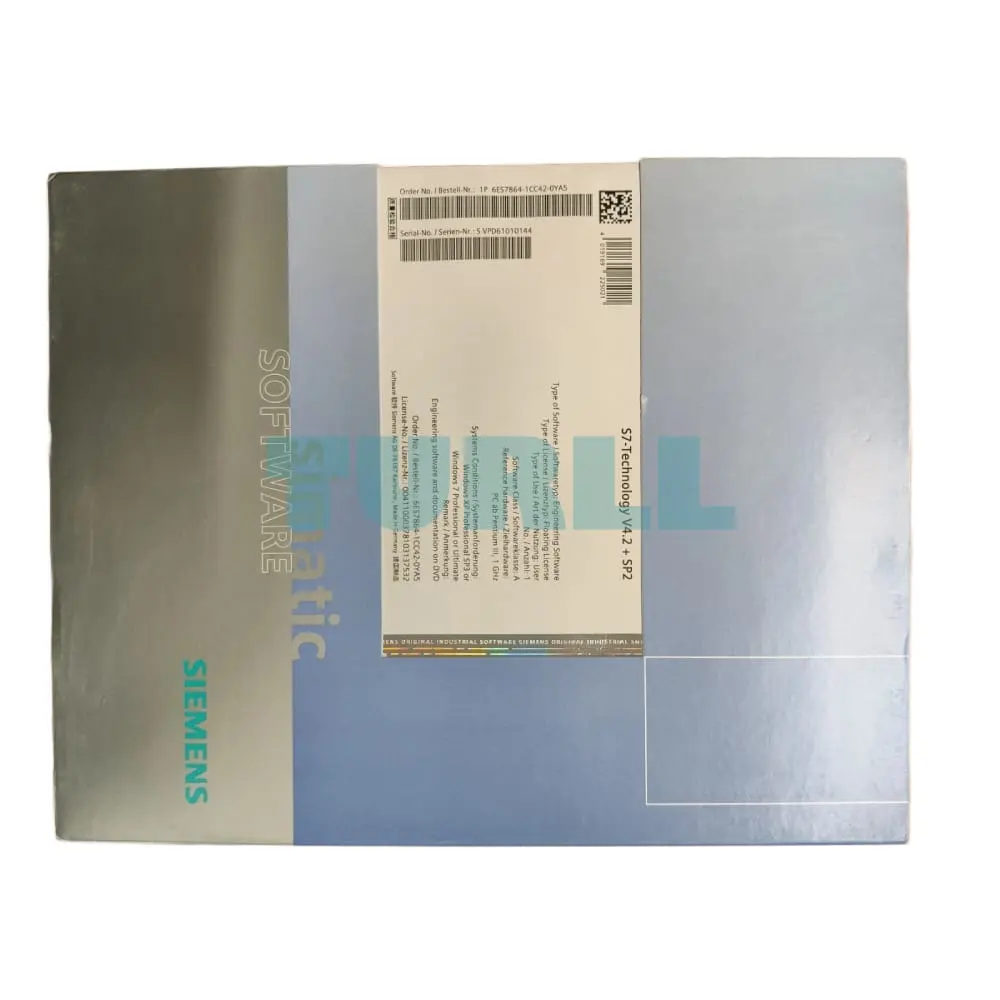
Siemens SIMATIC S7, S7-Technology V4.2 incl. current service pack, Option package for STEP 7 for parameter assignment and programming of techno- logical user programs Floating License for 1 user, E-SW, SW and DOCU on DVD, License key on USB stick, Class A, 4 languages (de, de, fr, en fr, it), executable on Windows 7 (32/64 bit), Reference HW: S7-315T, S7-317T, S7-317TF, Microbox 420-T
Siemens SIMATIC S7, S7-Technology V4.2 incl. current service pack, Option package for STEP 7 for parameter assignment and programming of techno- logical user programs Floating License for 1 user, E-SW, SW and DOCU on DVD, License key on USB stick, Class A, 4 languages (de, de, fr, en fr, it), executable on Windows 7 (32/64 bit), Reference HW: S7-315T, S7-317T, S7-317TF, Microbox 420-T
You can find more information on the Software Update Service, license types, Online Software Delivery and handling your SW licenses with the Automation License Manager under this link.
With the S7 Technology option package, motion control applications can be created for SIMATIC S7-CPU 31xT and CPU 317TF.
Technological specifications can be quickly and easily converted to finished executable automation programs:
The scope of supply of S7 Technology includes:
Following installation, S7-Technology integrates itself automatically into STEP 7. S7T Config is called from SIMATIC Manager. The S7-Tech function block library automatically installs itself in the standard library directory.
Parameterization of the technology objects in S7T Config:
Additional diagnostic and start-up tools:
Catalog containing an extensive set of motion control blocks for:
In test and debug mode, all STEP 7 test functions are available.
Up to 64 technology objects can be configured, these can comprise:
S7-Technology integrates perfectly into the automation world:
Visit 6ES7864-1CC42-0YA5
For more our products visit turll.com
| SKU / Model | 6ES7864-1CC42-0YA5 |
|---|---|
| Weight | 0.301 kg |
| Dimensions | 187 × 268 × 30 mm |
Request a quote for project quantities, discontinued or obsolete models, and pro-forma invoice / bank transfer orders. Our sourcing team responds fast.