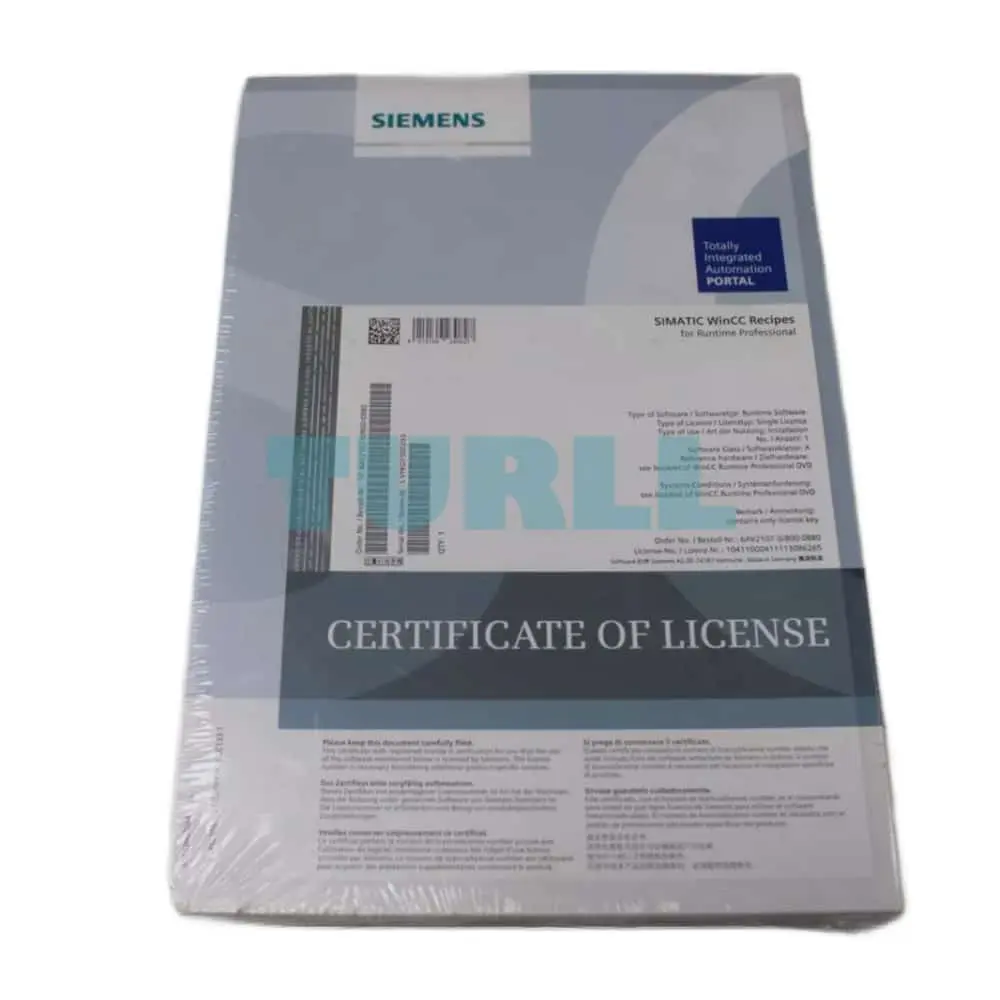
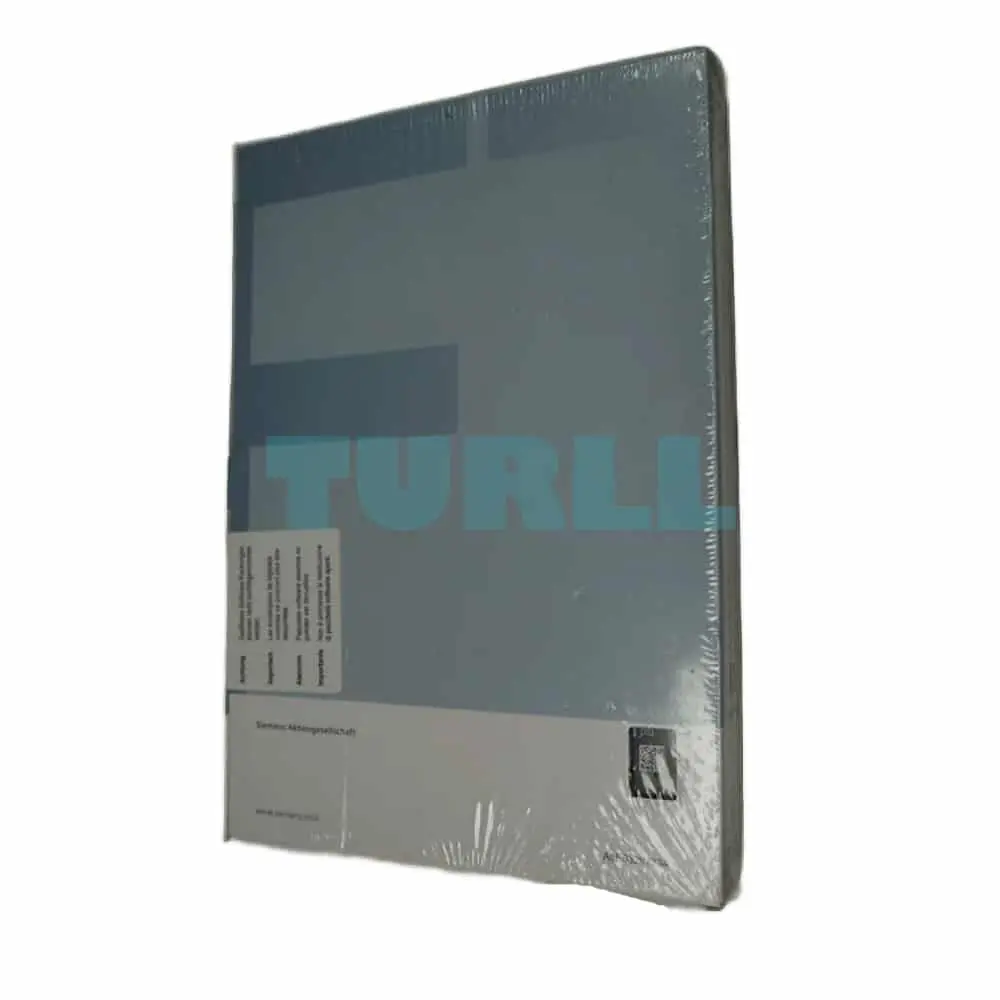
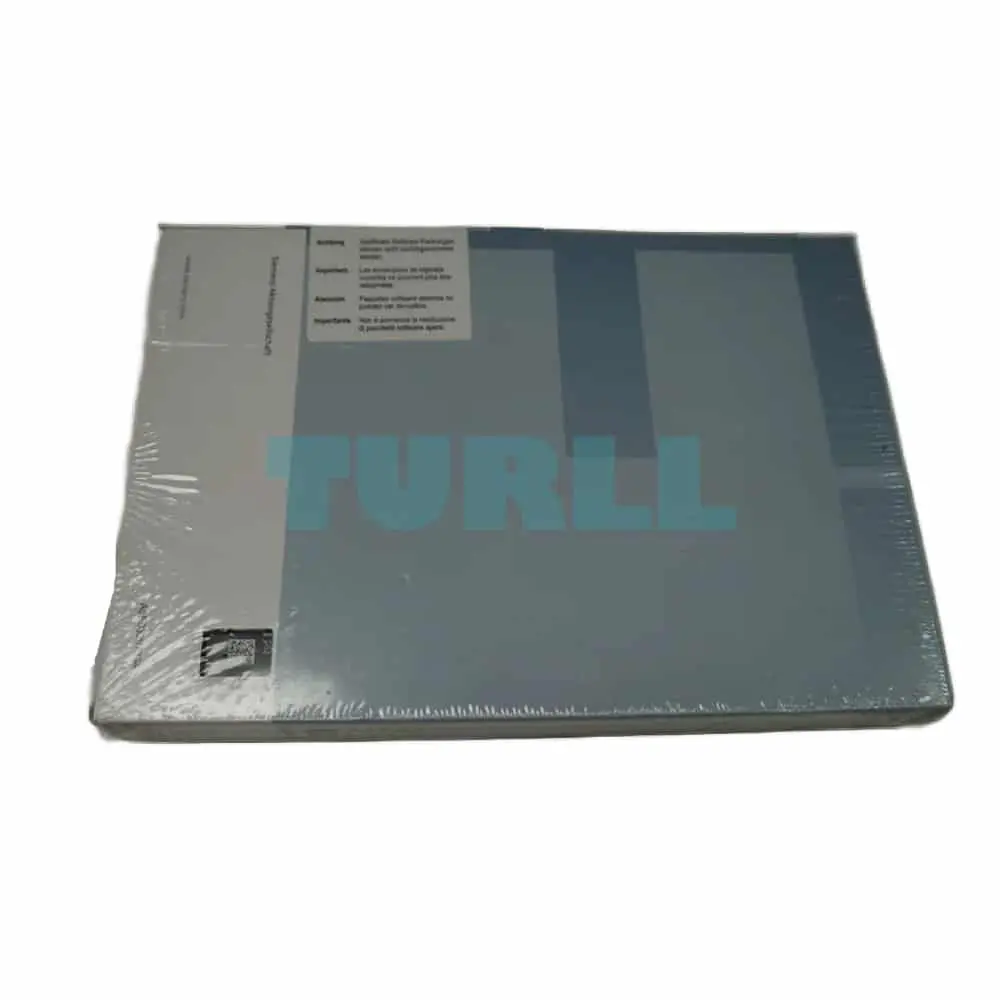
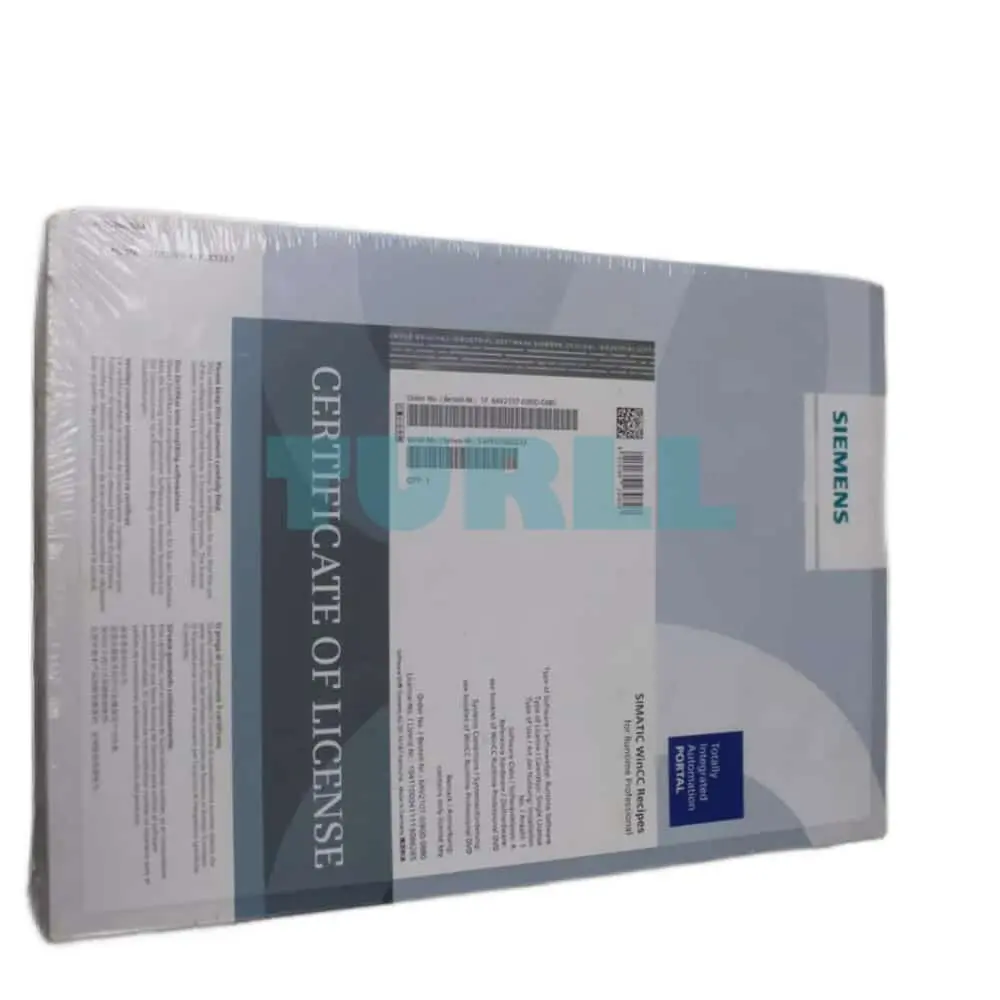
6AV2107-0JB00-0BB0 Siemens SIMATIC WinCC Recipes Original Brand New
6AV2107-0JB00-0BB0
Siemens SIMATIC WinCC Recipes for Runtime Professional option for WinCC (TIA Portal) runtime software, single license without software, without documentation license key on USB flash drive, class A – – content: 1x USB
- ConditionOriginal Brand New
- Warranty12 months
- Genuine Products
- Up to 1-Year Warranty
- Global Shipping
- Secure Payment
- PI / Bank Transfer Available
- Bulk Quote Support
Description
[ez-toc]
Overview
- Option for SIMATIC WinCC Runtime Advanced and WinCC Runtime Professional for managing data records in recipes that contain related machine or production data
- The data in a data set can be transferred, for example, from the control unit to the PLC to switch production to a different product variant
- Licensing:
- SIMATIC Panels / Multi Panels / Comfort Panels:
No license is required. - WinCC Runtime Advanced:
One license is required per operator station - WinCC Runtime Professional:
A license is only required on the server (or single-user system).
- SIMATIC Panels / Multi Panels / Comfort Panels:
Benefits
- Generation and management of machine parameters and production data on the basis of data records, and exchange with the automation device, e.g. with the machine.
- Clear tabular representation of the data elements with the aid of a configurable screen object, or depiction in technological relationships across several process screens.
- Simple operator guidance through standard functions.
- Export/import of data records for further processing with other tools (e.g. MS Excel)
Function
- Input of data records (e.g. operating parameters of a machine, production data for a plastics machine) on the HMI device as well as their storage and transfer to the control
- Display or entry of data records via a configurable screen object or via several process screens distributed within the project
- The data record elements are coupled with the process via a direct tag connection
- Transmission of data records from or to the controller
- Powerful interfaces enable a synchronized data exchange with the controller.
- Storage of data records on local data carriers or on remote data servers via networks
- Logging of data records, e.g. as batch report/shift report
- User-friendly and flexible management of data records by powerful standard functions
The recipes and the associated data records are created using a separate, user-friendly WinCC Engineering editor and data is pre-assigned to them. A configurable table object is used for displaying the data at runtime. Furthermore, the individual data record elements can also be displayed directly based on standard input/output fields across several process screens. In this way, the data in technological views can be presented clearly to the operator.
Import and export functions support the importing and exporting of data via external applications (e.g. MS Excel).
6AV2107-0JB00-0BB0
Siemens SIMATIC WinCC Recipes for Runtime Professional option for WinCC (TIA Portal) runtime software, single license without software, without documentation license key on USB flash drive, class A - - content: 1x USB
Specifications
| SKU / Model | 6AV2107-0JB00-0BB0 |
|---|---|
| Weight | 0.201 kg |
| Dimensions | 189.00 × 272.00 × 34.00 mm |
Need bulk pricing or a hard-to-find part?
Request a quote for project quantities, discontinued or obsolete models, and pro-forma invoice / bank transfer orders. Our sourcing team responds fast.
Related products
-
Siemens 6SL3261-1BA00-0AA0 SINAMICS G110 DIN Rail Mounting Adapter Size 1 for FS A Original Brand New
6SL3261-1BA00-0AA0Original price was: $23.48.$11.75Current price is: $11.75. On backorderFactory lead time 2–3 weeks -
SIEMENS
Siemens 6ES7131-6BF01-0BA0 SIMATIC ET 200SP Digital Input Module DI 8x24V DC Original Brand New
6ES7131-6BF01-0BA0Original price was: $91.24.$42.45Current price is: $42.45. In stock -
SIEMENS
Siemens 3SU1900-0BC31-0AT0 Emergency Stop Backing Plate, Yellow, Self-Adhesive, 75mm Original Brand New
3SU1900-0BC31-0AT0Original price was: $5.84.$2.36Current price is: $2.36. In stock