[ez-toc]
Overview
PC-based operator control and monitoring system for visualization and operator control of processes, production flows, machines and plants in all sectors – from the simple single-user station through to distributed multi-user systems and cross-location solutions with web clients.
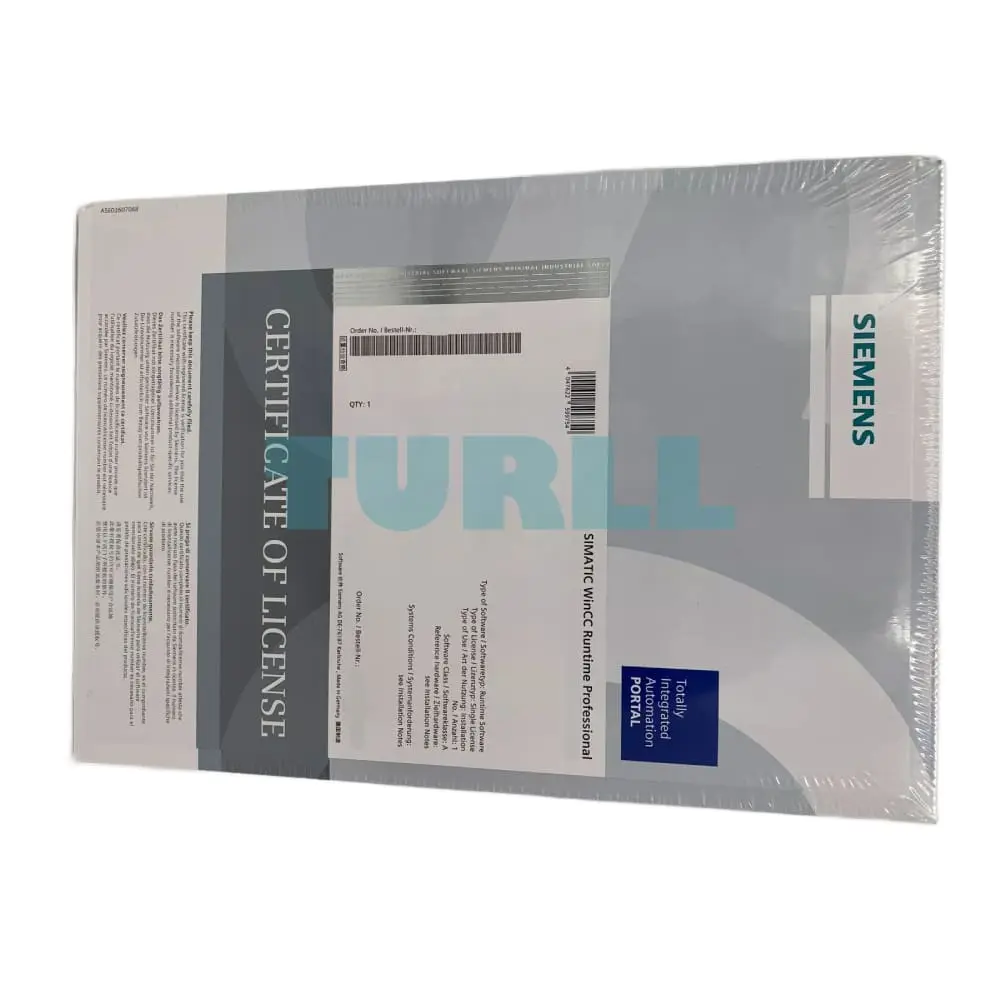
SIMATIC WinCC Runtime Professional is the information hub for corporation-wide vertical integration. SIMATIC WinCC Runtime Professional is configured with the SIMATIC WinCC Professional configuration software.
Benefits
- Functions for all visualization tasks:
- Operator functions
- Graphics and trend displays
- Alarm logging
- Report system
- Archiving (option)
- Recipe management (option)
- Universally scalable
- Expandable from single station to client-server configurations
- Process visualization via the web with the WinCC WebNavigator
- Open standards for easy integration
- Efficient real-time database MS SQL Server
- Open for application modules with ActiveX controls
- Visual Basic for Applications for individual expansions
- OPC for cross-vendor communication
- Part of the Totally Integrated Automation Portal
- Direct access to the tag and message configuration of the SIMATIC Controller
- Excellent support for the new SIMATIC S7-1500 Controllers
- With symbolic addressing
- Access to the new memory-optimized data blocks
- New ProDiag alarm and diagnostics concept
- Integrated diagnostics functions for increasing productivity
Application
SIMATIC WinCC Runtime Professional is designed for visualization and operator control of processes, production flows, machines and plants. With its powerful process interface, especially to the SIMATIC family, and the secure data logging, WinCC Runtime Professional enables solutions for the process control.
The sector-neutral basic system enables universal usage in all automation applications.
SIMATIC WinCC Runtime Professional can be used in combination with the following operator panels:
SIMATIC PCs:
- SIMATIC Rack PC: IPC547, IPC647, IPC847
- SIMATIC Box PC: IPC427, IPC627, IPC827
- SIMATIC Panel PC: IPC477, IPC677
- Standard PC
Design
SIMATIC WinCC Runtime Professional is available as a software package with 128, 512, 2 048, 4 096, 8 192, 65 536, 102 400, 153 600 and 262 144 PowerTags.
PowerTags are data points that are connected to controllers or other data sources via a WinCC Runtime Professional channel. Up to 32 alarms can be obtained from one data point. Moreover, internal tags without coupling are available for additional system performance. WinCC Runtime Professional also contains 500 archive tags. Additional archive licenses can be obtained for greater quantity structures.
Licenses for a multi-user configuration
The system software with the required number of PowerTags and additionally the SIMATIC WinCC Server for Runtime Professional option must be installed on the server. For the clients in the basic configuration, a SIMATIC WinCC Client for Runtime Professional license is sufficient.
Function
Visualization via Windows-compliant user interface
Made up of parameterizable screen objects and faceplates created on a project-specific basis:
- Numeric and alphanumeric input/output fields
- Static text and graphic display plus vector graphics
- Dynamizable graphics from HMI symbol library
- Bar graph, trend curve graph with scroll and zoom function as well as read line
- Signal-specific text and graphics lists
- Buttons and switches for operator-process communication
- Editing fields for process values (signals)
- Analog display, slider as example for further screen objects
- Project-specific faceplates created from basic objects of the system
- Graphic displays for various standard graphic formats, e.g. bitmaps, .jpg, .wmf, .svg
Alarms and messages
- Discrete alarms and analog alarms, as well as event-driven Alarm-S/Alarm-D message procedure with SIMATIC S7
- The new ProDiag alarm and diagnostics concept of the S7-1500 Controller is also supported
- Freely-definable message classes for definition of acknowledgment response and display of alarm events
Logging of messages and process values 1)
- Signaling system for detecting and archiving events with display and control options according to DIN 19235
- Process logging for the acquisition, compression and storage of measured values
- Online evaluation of process value and alarm logs
Recipes 1)
- Generation of data records for machine data or production data
- Display or entry of data records via a configurable screen object or via process screens distributed within the project
- Transmission of data records from or to the PLC
- Import/export of data records for further processing with other tools (e.g. MS Excel)
Documentation of process data, alarm events, and recipes
- Time or event-driven report output
- User-definable layout
Flexible expansion by means of Visual Basic Script and ANSI-C
- Programming interfaces for individual access to data and functions of WinCC Runtime Professional and for the integration in user programs with VBA, VB Script, C-API, C-Script (ANSI-C)
Open communication between HMI systems and with higher-level systems
- OPC Server/Client
Use of the visualization system as a data server (OPC Server) for higher-level automation components such as control systems or systems in the office area
- OPC DA Server: tags, e.g. process values
- OPC HDA Server: logged process values
- OPC A&E Server: Alarms
- OPC XML DA Server: tags, e.g. process values
- OPC UA DA Server: tags, e.g. process values
- OPC UA DA Client: Tags, e.g. process values
- OLE DB Server
- Standardized and user-friendly access to WinCC log data (MS SQL Server 2005).
- Access via the OLE DB provider supplies all WinCC log data available along with the accompanying process values, as well as alarm and user texts.
- The WinCC OLE DB provider also supports analysis functions such as minimum, maximum, alarm hit list, etc.
- WinCC WebUX for Runtime Professional 1)
- The WebUX option enables platform and browser-independent operator control and monitoring via the internet or the in-house intranet or LAN.
- Installation on the terminal is not necessary – an HTML5-compatible browser is sufficient. WebUX can then also be used on mobile terminals.
- WinCC WebNavigator for Runtime Professional1)
- Option for SIMATIC WinCC Runtime Professional for operator control and monitoring of plants over the internet, company Intranet or LAN.
- Configuration from a web server with the SIMATIC WinCC Runtime Professional software as a single-user, client or server version and a web client that enables operator control and monitoring of a current WinCC Runtime Professional project via an internet browser with ActiveX support. The WinCC basic system does not have to be installed on the client computer.
- WinCC DataMonitor for Runtime Professional 1)
- The WinCC DataMonitor is used for display and evaluation of current process states and historical data on office PCs using standard tools such as Microsoft internet Explorer or Microsoft Excel. The DataMonitor Client is supported by a web server with current and historical process data and alarms. All staff ranging from machine operators to corporate managers can use the DataMonitor to obtain information.
1) Option for SIMATIC WinCC Runtime Professional; runtime licenses must be purchased separately. More information is available under "WinCC options".
Language support for multilingual projects
- Language-dependent texts and graphics
- Language selection during runtime
Onboard PLC connection to many different PLCs
- Communication via native drivers and standard OPC channel
- For communication with subordinate PLCs (SIMATIC protocols, PROFIBUS DP, PROFIBUS FMS, DDE and OPC Server included in the scope of supply)
Note:
For communication, the supplied SIMATIC Net V17 must be installed.
Before installing SIMATIC WinCC RT Professional, please always ensure compatibility with the add-on packages and options you require and use.
6AV2105-0RA08-0AA0
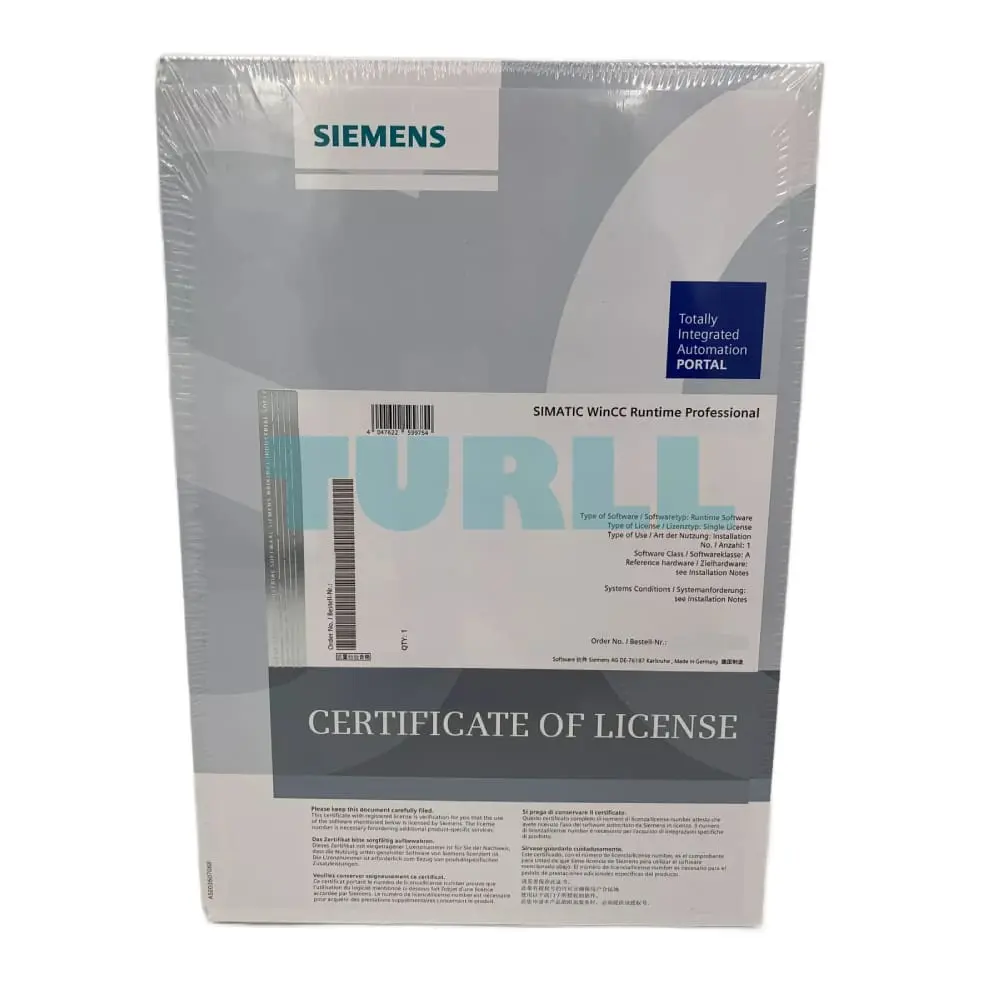
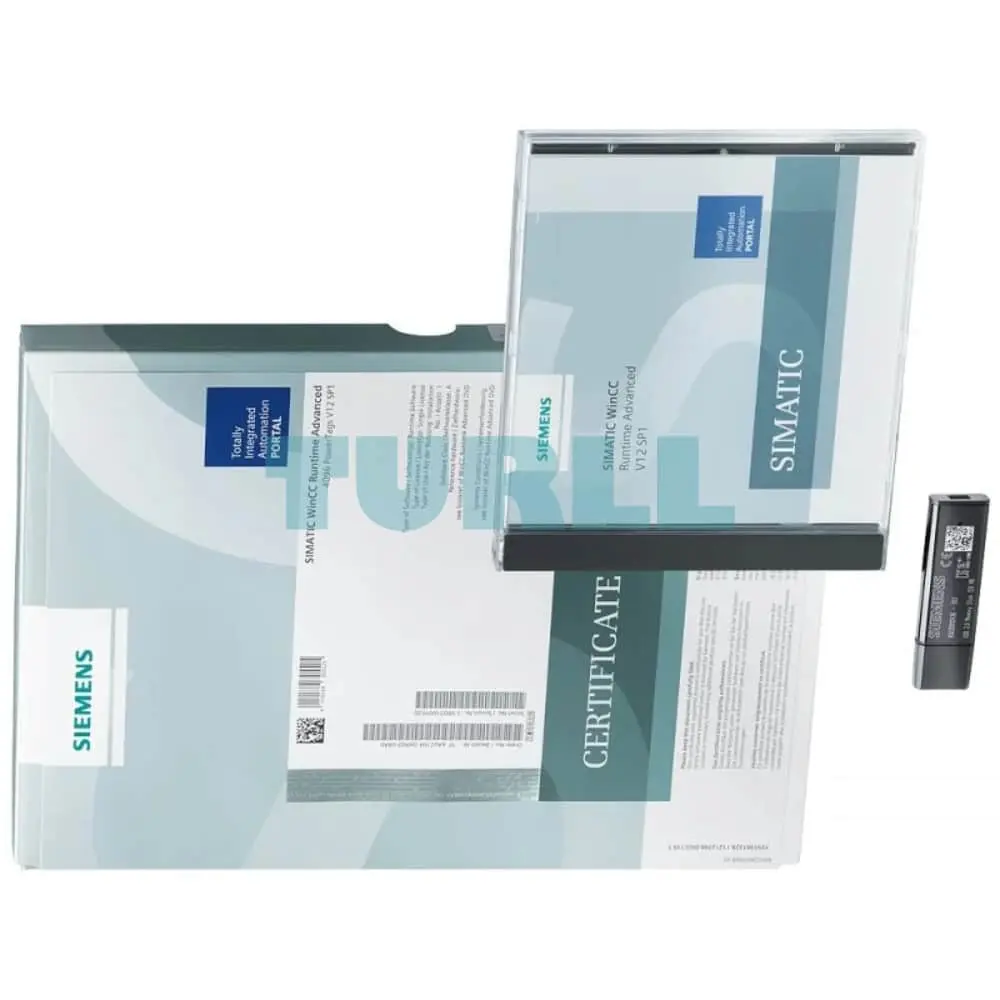
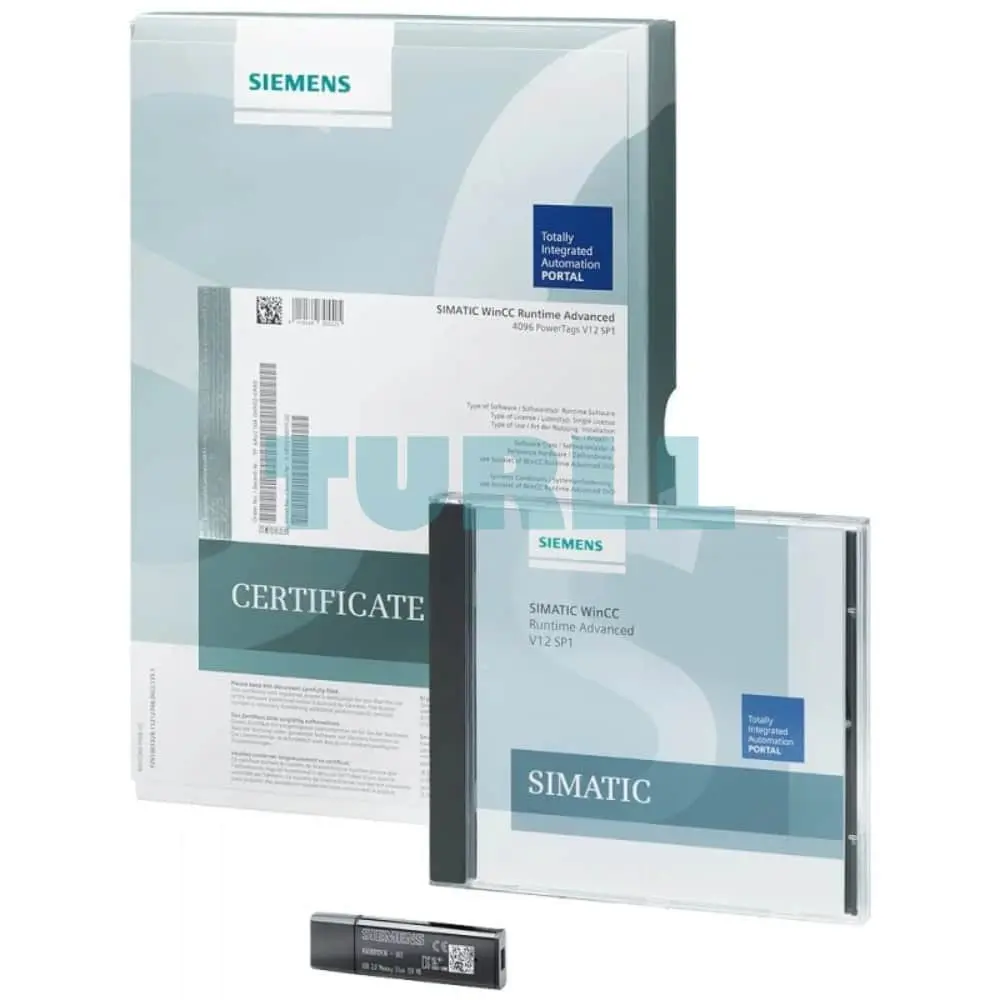
Siemens SIMATIC WinCC RT Professional, 153600 PowerTags V18, runtime software in TIA Portal, single license, software and documentation on DVD, license key on USB flash drive, class A, 5 languages (de,en,fr,es,it), please observe product release: support.industry.siemens.com entry ID: 109813587 - - content: set (2x DVD + 1x USB)
Visit 6AV2105-0RA08-0AA0
For more our products visit turll.com