SIEMENS
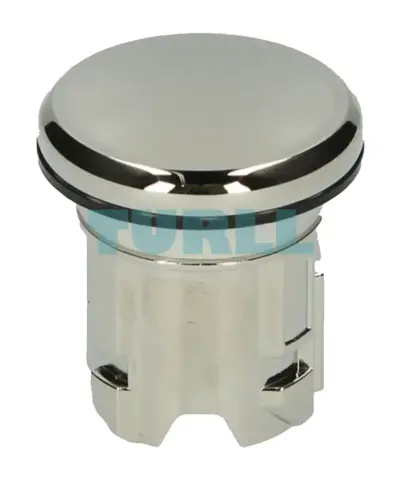
Siemens 3SU1950-0FA80-0AA0 Sealing Plug 22mm Metal, Shiny Silver Original Brand New
3SU1950-0FA80-0AA0
Original price was: $5.65.$2.29Current price is: $2.29.
In stock
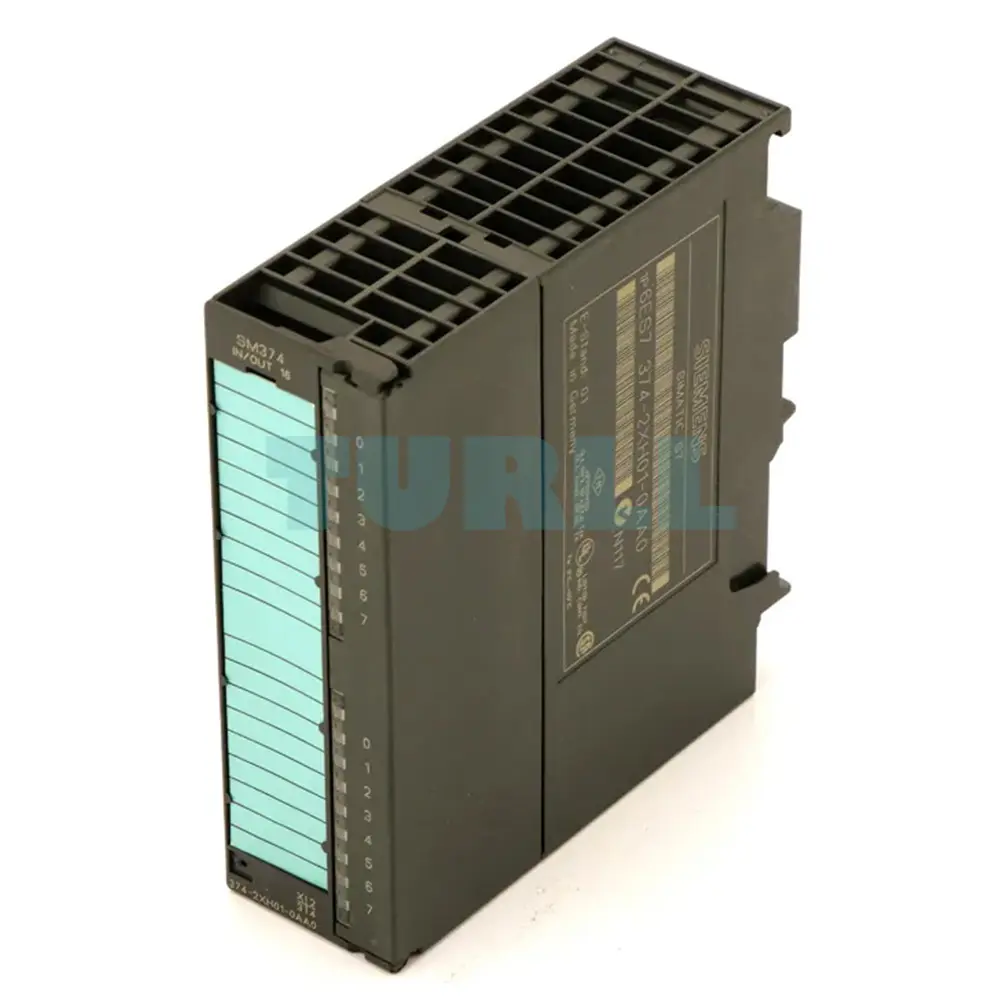
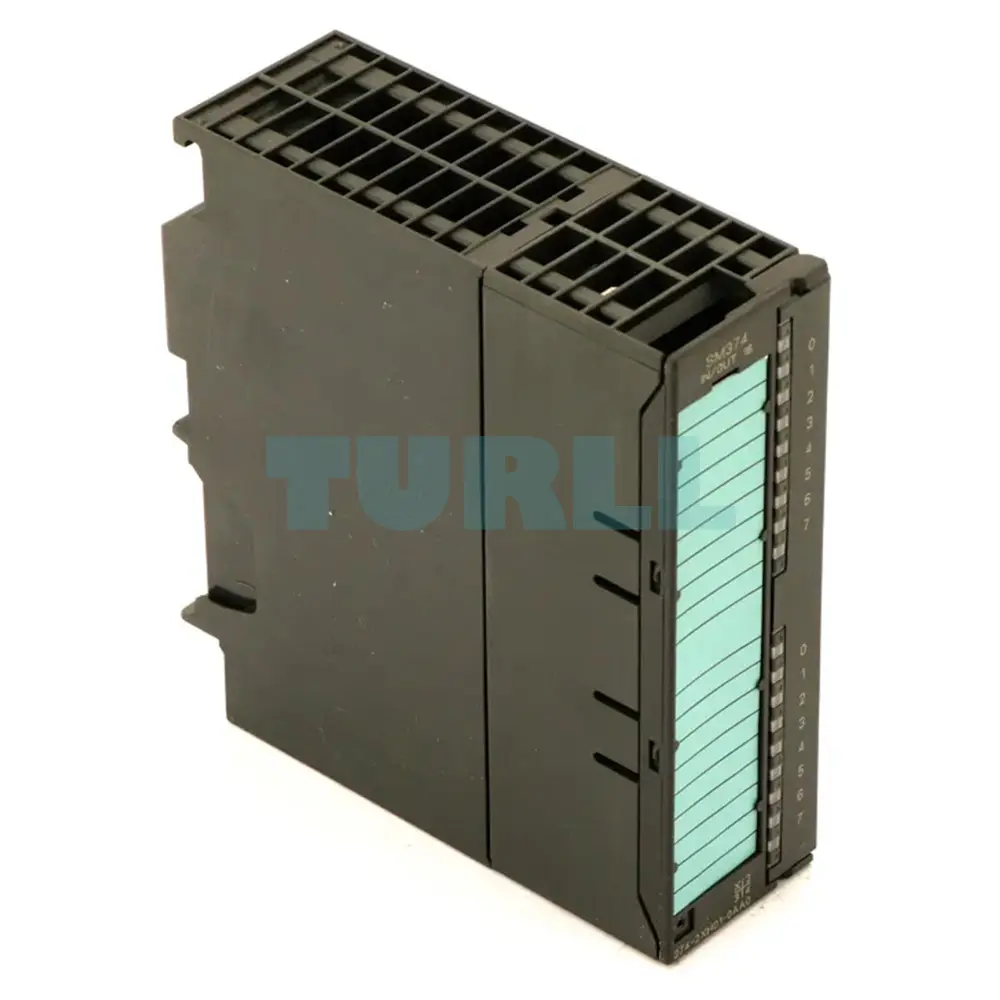
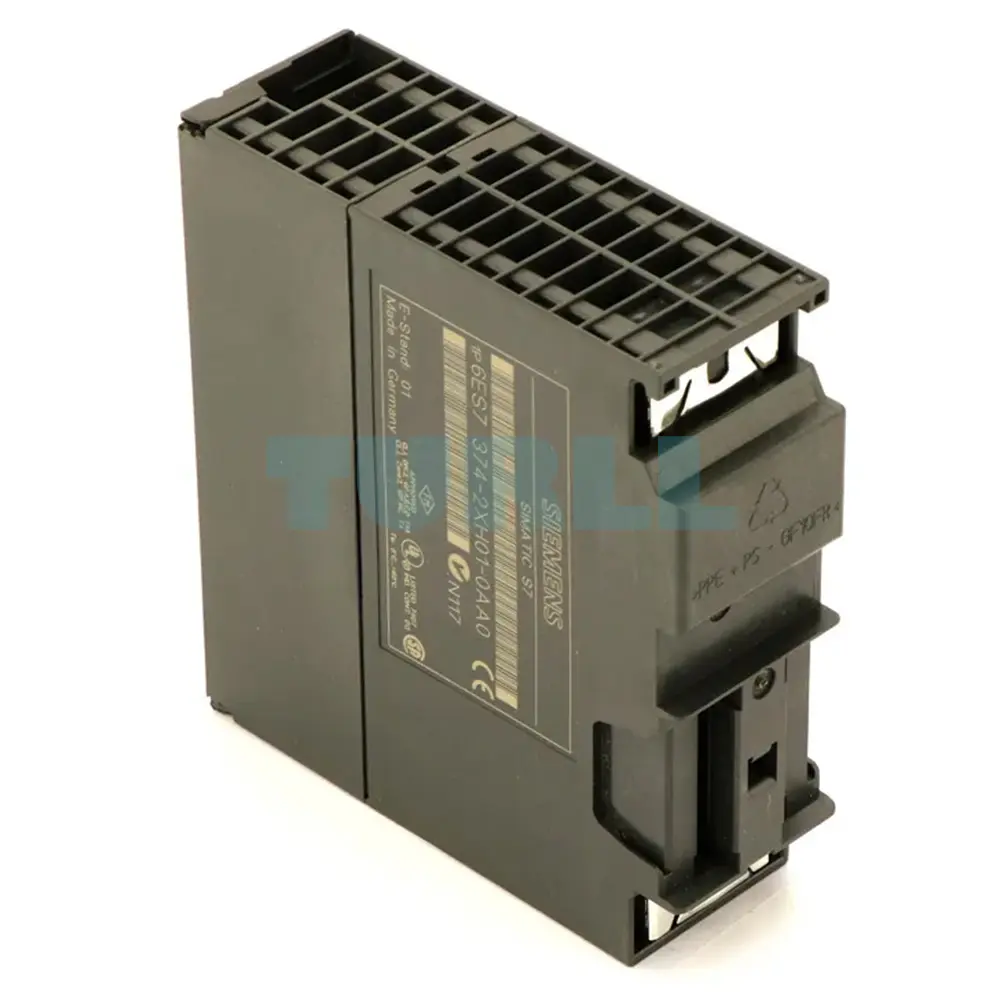
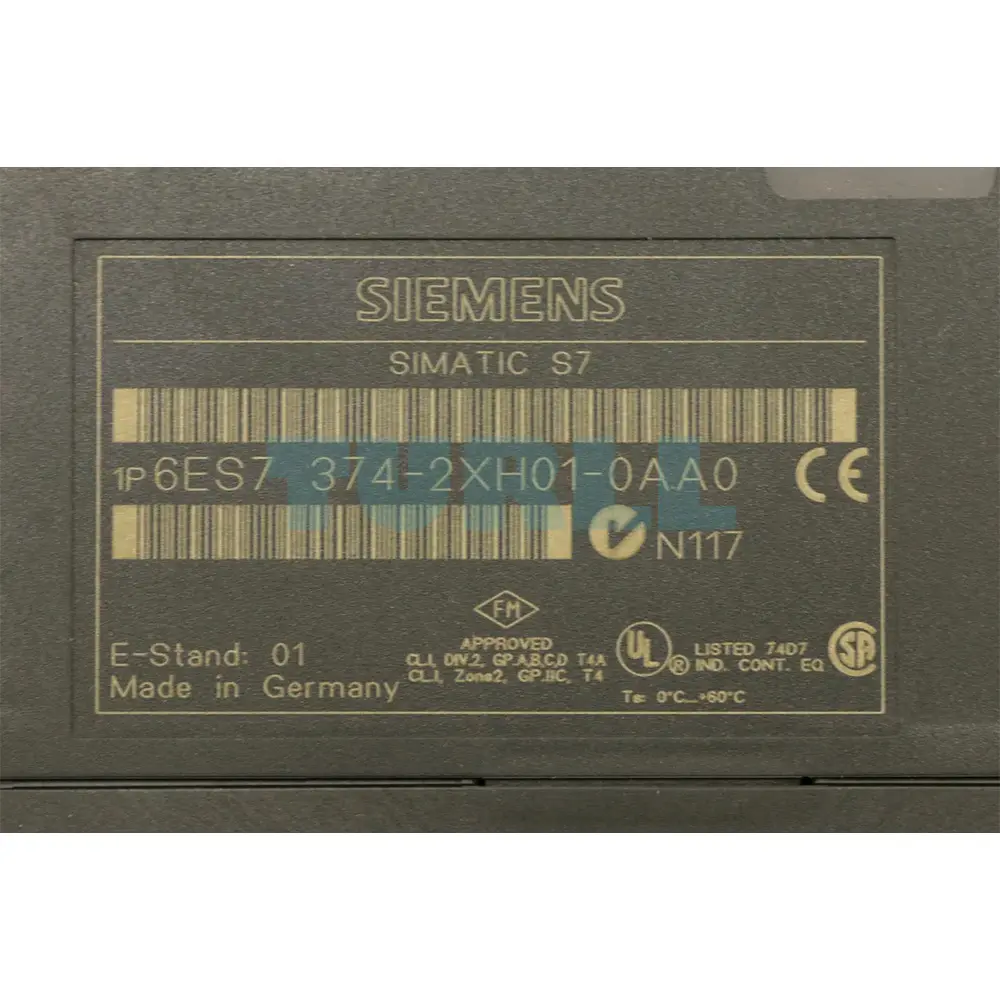
6ES7374-2XH01-0AA0 Siemens
SIMATIC S7-300, simulator module SM 374, for simulation of 16 inputs or 16 outputs or 8 inputs and 8 outputs 16 switches, 16 LEDs
The SM 374 simulator module provides the user with a convenient means of testing his/her programs during startup and operation.
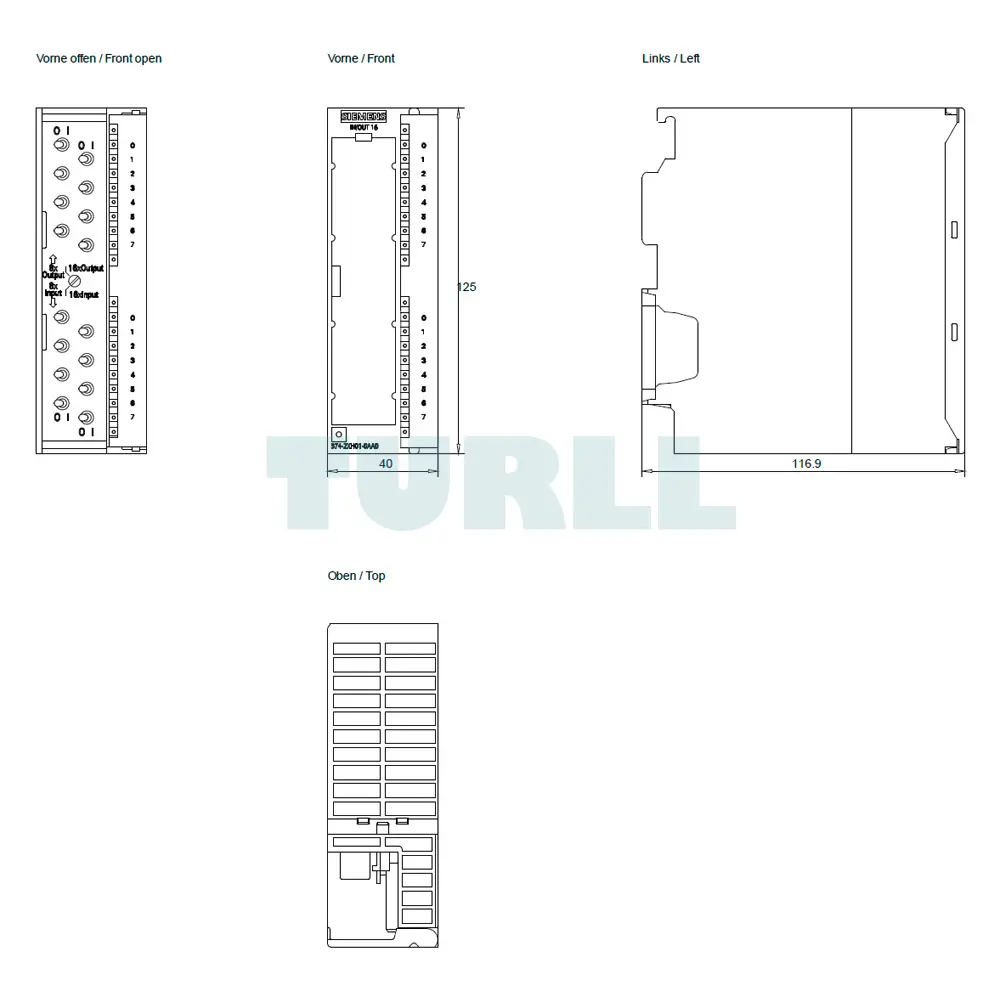
Located on the front panel of the module are:
These operating elements are protected by the front cover. The module is snapped onto the rail and connected to the S7-300 backplane bus. The power is supplied via the backplane bus.
The module is installed in place of a digital input or digital output module in the S7-300. This enables the user to influence the program execution by setting the inputs.
The CPU reads the set input signal states of the simulator module and processes them in the user program. The output signal states are then sent to the module where LEDs indicate the signal status. This allows conclusions to be drawn about the program sequence.
Visit 6ES7374-2XH01-0AA0
For more products visit turll.com
| SKU / Model | 6ES7374-2XH01-0AA0 |
|---|---|
| Weight | 0.255 kg |
| Dimensions | 128 × 152 × 50 mm |
Request a quote for project quantities, discontinued or obsolete models, and pro-forma invoice / bank transfer orders. Our sourcing team responds fast.