★★★★★ Excellent  4.9/5 (1000)
100% Original
🛡️ 1 Year Warranty

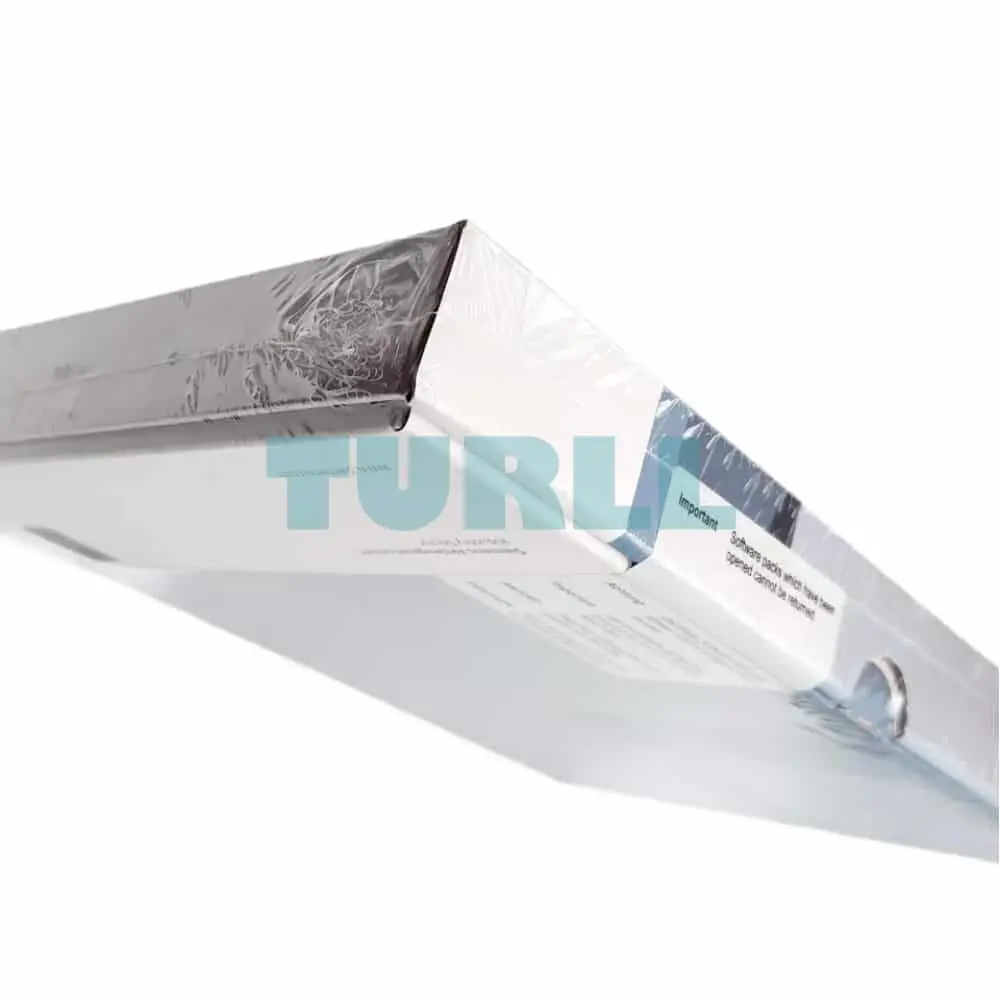
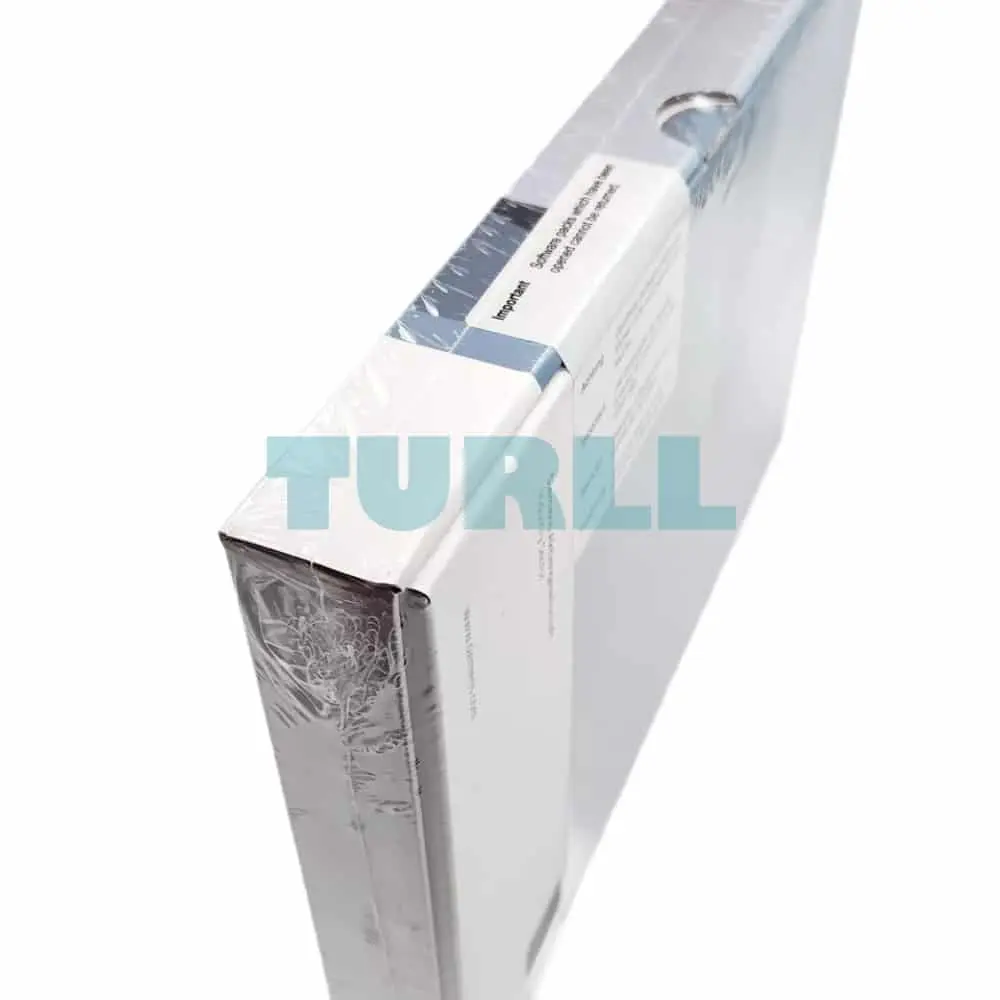
6ES7822-1AA23-0XC3 Siemens SIMATIC STEP 7 Professional V19 Original Brand New

$1,886.51

6ES7822-1AA23-0XC3

Siemens SIMATIC STEP 7 Professional V19 Legacy Powerpack & upgrade STEP 7 V5.3..V5.6 -> V19/2021 SR2 Combo floating license; including S7 PM; engineering software in TIA Portal; software and documentation on DVD; license key on USB flash drive; class A 9 languages: de,en,zh included, fr,es,it,ru,ja,ko as download; for configuration of SIMATIC S7-1200/1500, S7-300/400/WinAC, SIMATIC Basic Panels, SIMATIC Unified Basic Panels; – – for system requirements specification, see www.siemens.com/compatool

- +
SKU: 6ES7822-1AA23-0XC3 Category:
Global Express Shipping DHL / FedEx / UPS
100% Original & Brand New Factory Sealed Box with 1-Year Warranty
Secure Payment SSL ENCRYPTED
We accept Visa, Mastercard, PayPal, Google Pay and Apple Pay

[ez-toc]

Overview

Intuitive, efficient and future-oriented – the engineering software for programming the SIMATIC Controllers

SIMATIC STEP 7 Professional V19 is the engineering system for the SIMATIC S7-1200, S7-1500, S7-300, S7-400 Controllers, WinAC and Software Controllers.

STEP 7 V19 is based on the Totally Integrated Automation Portal (TIA Portal) central engineering framework which offers users a uniform, efficient and intuitive solution to all automation tasks.

New in V19
  • Named value data types (S7-1500):
    As of V19, “named values” can be used in the program – exclusively within the software units. They are defined in standard 61131-3 as a way to define constants with a name and a value. These can then be used in programs to improve the readability and maintainability
  • The “Symbolic access during runtime” function offers the following new features (S7-1500):
    • The following types of data can also be accessed via symbolic names at runtime:
      Structured data types such as ARRAY or STRUCT; STRING and WSTRING; DTL.
    • The list of tag names which are specified at the “nameList” parameter of the “ResolveSymbols” system function block may also be located in a non-optimized memory area.
    • As of FW version 3.0, the “ResolvedSymbol” system data type may be declared as an element of a PLC data type.
  • Filtering of PLC variable tables:
    PLC variable tables can now be filtered. A new filter view is available for this purpose. Filters support users in particular in the targeted search and replacement of entries.
  • Long-term trace:
    The values can be displayed and analyzed directly in the diagram during recording. Superimposed measurements can be used for the long-term trace. The time bases can be synchronized. R/H-CPUs support the long-term trace via a connection with the primary CPU. In the case of a system-related switchover to the backup CPU, the data continue to be recorded in the backup CPU. This data cannot be saved until the primary CPU is active again and the long-term trace has been restarted.
  • “Filter_Universal” instruction:
    The new “Filter_Universal” auxiliary function for SIMATIC S7-1500 controllers is a configurable digital filter of the order 1 to 10. This instruction is used to manipulate signals in such a way that specific frequency parts of the signal are transmitted or attenuated. The frequency, bandwidth, type, characteristic, and order filter parameters can be specified by the user to generate the desired result.
  • PID_Compact V3.0 with adjustable deadband:
    The new version V3.0 of the PID_Compact controller for SIMATIC S7-1500 Controllers can be used to set the deadband so as to reduce output signal fluctuations with noisy input values. If a process value is influenced by noise, the noise can also strongly affect the output value when the controller gain is high. The adjustable deadband can contribute towards reducing such fluctuations.
  • Improved user interface for S7-PLCSIM V19, which can also be used for PLCSIM Advanced.
  • Configuration of the innovative S7-1200 / S7-1500 / ET 200SP CPUs (higher performance and more memory).
  • Comprehensive extensions for Motion Control and T-CPUs, e.g. SIMATIC Motion Interpreter, torque feedforward control, listening probe, and much more.
  • Function extensions for TIA Portal Openness
Licenses
  • STEP 7 Professional V19 is supplied with a STEP 7 Professional V19 floating license. The floating license allows the software to be used on any number of computers. This means one user per license can use the software independently of the computer used and without being tied to a specific workstation. The number of licenses acquired determines the number of computers on which the software can be used simultaneously.
  • With the STEP 7 Professional V19 license, S7-PLCSIM V19 is also licensed, which enables the simulation of S7-1200 and S7-1500 controllers.
  • Existing STEP 7 Professional licenses of versions V11-18 can be upgraded to V19. This requires an upgrade license.
  • The user receives a combo license when upgrading from STEP 7 V5.x. The combo license enables engineering to be performed both on the STEP 7 V5.x and the STEP 7 V19 platform.
  • The STEP 7 Basic V19 license can be upgraded to a STEP 7 Professional V19 license with a PowerPack.

You can find more information on the Software Update Service, license types, Online Software Delivery and handling your SW licenses with the Automation License Manager under this link.

Benefits

  • Powerful programming editors for efficient engineering
  • Scalability across all series of controllers
  • Optimum interaction between the controller, HMI and drive in a working environment
  • Shared data management and uniform symbols
  • System diagnostics as an integral component
  • Tags trace for effective commissioning
  • Scalable and flexible motion control functionality
  • Comprehensive library concept
  • Security Integrated
  • Migration support for existing hardware and software products
  • Simulation tool S7-PLCSIM included

Benefits

  • Powerful programming editors for efficient engineering
  • Scalability across all series of controllers
  • Optimum interaction between the controller, HMI and drive in a working environment
  • Shared data management and uniform symbols
  • System diagnostics as an integral component
  • Tags trace for effective commissioning
  • Scalable and flexible motion control functionality
  • Comprehensive library concept
  • Security Integrated
  • Migration support for existing hardware and software products
  • Simulation tool S7-PLCSIM included

Application

SIMATIC STEP 7 Professional V19 is the easy-to-use, integrated engineering system for the current SIMATIC S7-1200, S7-1500, S7-300 and S7-400 Controllers, WinAC, Software Controllers, and ET 200 CPU. PLCSIM for simulation of S7-1200/1500 CPU and WinCC Basic for configuration of Basic Panels are included in the scope of supply.

STEP 7 V19 thus provides support in all phases of the automation project:

  • Configuring and parameterizing the hardware
  • Specifying the communication
  • Programming in IEC programming editors
  • Configuring the visualization
  • Simulation, testing, commissioning and service

Function

Excellent integration of the SIMATIC S7-1500 Controllers

With its multifaceted innovations, the SIMATIC S7-1500 Controllers from the SIMATIC S7 PLC family sets new standards for maximum productivity. The SIMATIC S7-1500 is perfectly integrated into SIMATIC STEP 7 Professional V19 for maximum engineering efficiency. With its unique system performance and PROFINET as the standard interface, the SIMATIC S7-1500 is the new benchmark for performance.

Powerful programming editors for efficient engineering

STEP 7 Professional V19 provides powerful programming editors with optimized compilers for programming the S7 controllers.

For all controllers:

  • Ladder diagram (LAD)
  • Function block diagram (FBD)
  • Structured text (SCL)

Additionally for SIMATIC S7-1500, S7-300, S7-400, WinAC and Software Controllers:

  • Statement list (STL)
  • GRAPH for sequencers

In addition for SIMATIC S7-1200, S7-1500 and Software Controller:

  • Cause Effect Matrix (CEM)
Tags trace for effective commissioning

The Trace Editor makes it possible to record signals in chronological order from the user program of an S7-1200 or S7-1500 CPU. The graphical evaluation of the signals simplifies the commissioning of drives, for example, and helps search for sporadic errors in the application or user program.

Simulation of the STEP 7 project

With the S7-PLCSIM simulator, the function of the STEP 7 projects can be tested without any changes. The blocks can be monitored online as in the real control system and signals can be set. For this purpose, the TIA Portal’s own functions can be used as well as the functions included in PLCSIM, such as simulation tables, fault simulation and step-by-step (sequence) functions.

Scalable and flexible motion functionality

Motion Control applications with SIMATIC STEP 7 Professional V19 and S7-1500 become child’s play, even for beginners. The intuitive graphical user interfaces of the technology objects in STEP 7 Professional V19 provide optimal support for the configuring and commissioning of analog and PROFIdrive-capable drives, as well as for troubleshooting. The instructions for controlling the motion sequence are standardized according to PLCopen Motion Control. The following functions are supported in STEP 7 Professional V19:

  • Positioning (absolute and relative)
  • Speed specification (e.g. jogging)
  • Output cam and cam track
  • Gear synchronization
  • Velocity gearing
  • Overlaid movements
  • Cross-PLC synchronous operation (only S7-1500T)
  • Cyclic cams (with up to 10 000 points, only S7-1500T)
  • Kinematics (only S7-1500T)
  • Homing (active, on-the-fly, etc.)
  • Support of external incremental and absolute encoders as well as probes
Comprehensive library concept

The system has a comprehensive library concept for the reuse and simple standardization of frequently used program sections.

Elements such as blocks, tags, alarms, HMI graphics, graphic objects, individual modules or entire stations can be stored along with their parameter assignment in local or global libraries. This means they are available for further programming tasks.

Security Integrated

STEP 7 Professional V19 has password-based know-how protection and write protection against unauthorized read-out and modification of program block content.

Copy protection offers greater protection against unauthorized copying of program blocks. These blocks can be linked to the serial number of a memory card so that the block can only run if the configured memory card is inserted into the CPU.

In addition, multiple user groups with different access rights can be assigned to the controller by means of four different authorization levels.

Improved manipulation protection offers a greater degree of security against unauthorized changes to the data transferred between STEP 7 and the controller.

Migration support for existing hardware and software products

A migration tool integrated in SIMATIC STEP 7 Professional V19 provides support in switching from the S7-300/S7-400 to the S7-1500 Controller and converts the program code automatically. Program code that cannot be converted automatically is logged and can be adapted manually.

Team engineering – simultaneous processing of a task by more than one person

Several individuals frequently work on the same project simultaneously, particularly during the engineering phase of an automation task. With TIA Portal V19 and the PLC proxy function, it is possible to develop control and visualization tasks in parallel. Using a PLC proxy, data to be visualized can be imported from a STEP 7 (TIA Portal) or STEP 7 V5.4 SP3 project (or higher) into the WinCC V19 visualization project in order to implement the visualization there. Furthermore, STEP 7 Professional V19 and S7-1500 support online functions for commissioning which can be used by multiple users simultaneously.

The TIA Portal Multiuser Engineering option allows several users to work on the same project or a global library simultaneously. This results in a significant reduction in configuration times, and projects can be commissioned faster.

6ES7822-1AA23-0XC3

Siemens SIMATIC STEP 7 Professional V19 Legacy Powerpack & upgrade STEP 7 V5.3..V5.6 -> V19/2021 SR2 Combo floating license; including S7 PM; engineering software in TIA Portal; software and documentation on DVD; license key on USB flash drive; class A 9 languages: de,en,zh included, fr,es,it,ru,ja,ko as download; for configuration of SIMATIC S7-1200/1500, S7-300/400/WinAC, SIMATIC Basic Panels, SIMATIC Unified Basic Panels; – – for system requirements specification, see www.siemens.com/compatool

Visit 6ES7822-1AA23-0XC3

For more our products visit turll.com

Weight 0.266 kg
Dimensions 189.00 × 275.00 × 34.00 mm

Reviews

There are no reviews yet.

Be the first to review “6ES7822-1AA23-0XC3 Siemens SIMATIC STEP 7 Professional V19 Original Brand New”
Shopping Cart
6ES7822-1AA23-0XC3 Siemens SIMATIC STEP 7 Professional V196ES7822-1AA23-0XC3 Siemens SIMATIC STEP 7 Professional V19 Original Brand New
$1,886.51
- +
Scroll to Top