SIEMENS
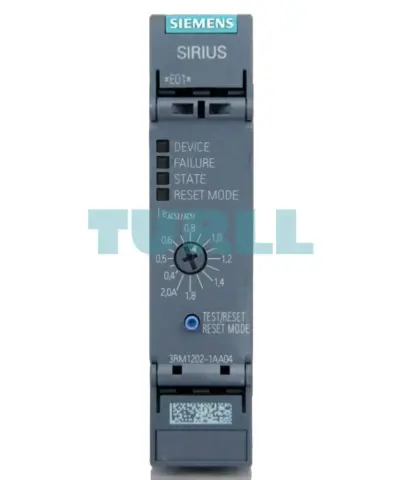
Siemens 3RM1202-1AA04 Reversing Starter 3RM1, 500V, 0.09–0.75 kW, 0.4–2A, 24V DC, Screw Terminal Original Brand New
3RM1202-1AA04
Original price was: $396.41.$165.74Current price is: $165.74.
In stock
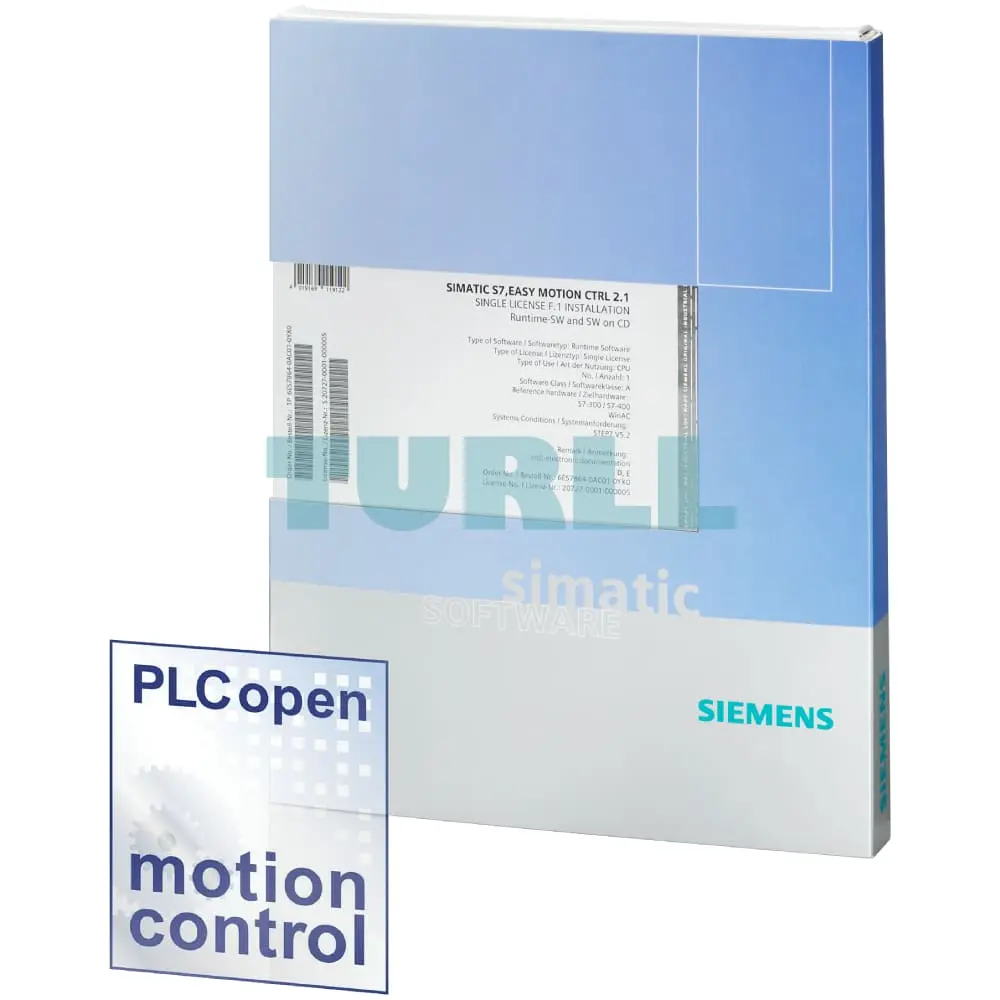
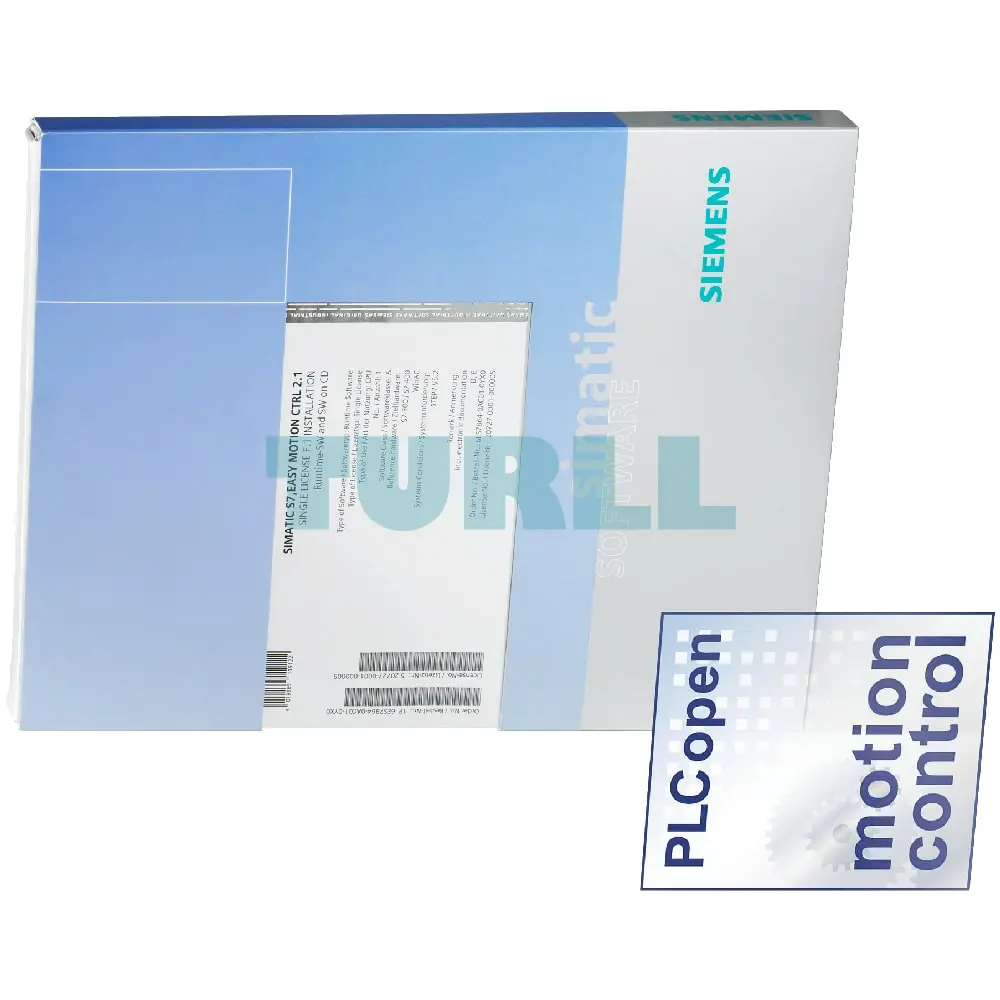
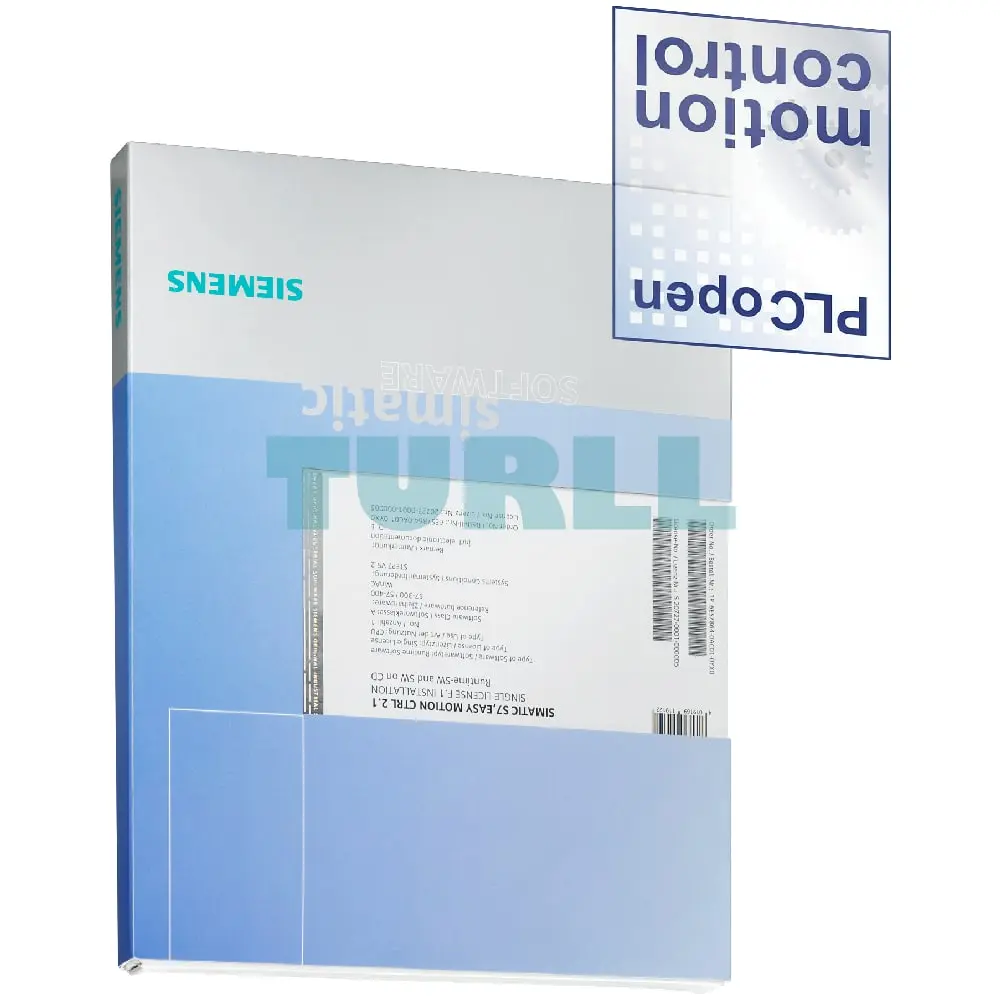
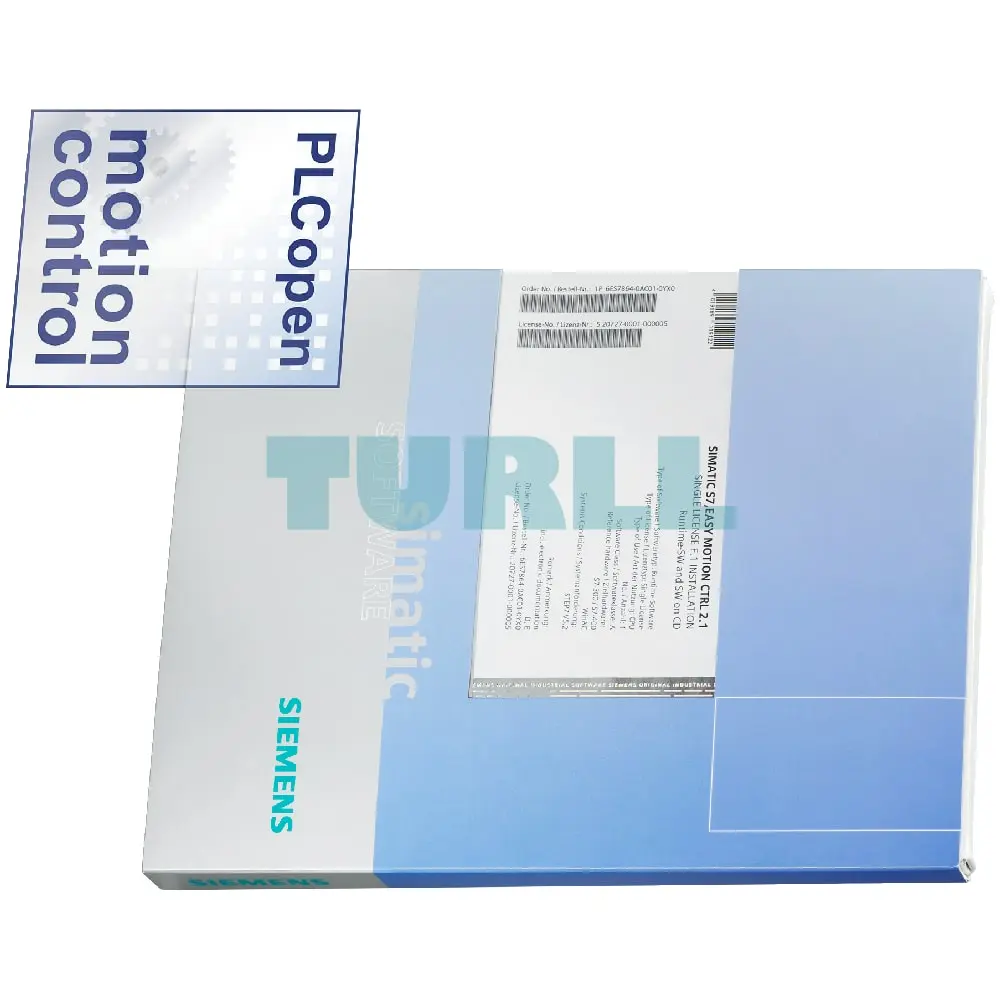
Siemens SIMATIC S7, easy MOTION CTRL 2.1 single license for 1 installation R-SW, SW and DOCU on CD, Class A, 2 languages (de, en), executable on STEP 7 V5.3 SP2 or higher, Reference HW: SIMATIC S7-300/400/WinAC
Siemens SIMATIC S7, easy MOTION CTRL 2.1 single license for 1 installation R-SW, SW and DOCU on CD, Class A, 2 languages (de, en), executable on STEP 7 V5.3 SP2 or higher, Reference HW: SIMATIC S7-300/400/WinAC
You can find more information on the Software Update Service, license types, Online Software Delivery and handling your SW licenses with the Automation License Manager under this link.
Easy Motion Control is an option for STEP 7 V5.x or STEP 7 Professional 2010/17 for controllers of the SIMATIC S7-300/S7-400 series and WinAC. When using STEP 7 (TIA Portal) to program these controllers, you require the optional package Easy Motion Control (TIA Portal)
Easy Motion Control is a low-cost package for simple, controlled positioning and simple geared synchronous motion of several axes. It is suitable for use with any standard variable-speed drive, such as frequency converter or servo drive
Incremental and absolute encoders are supported.
Possible applications include, for example:
in the following industries:
Easy Motion Control comprises:
Easy Motion Control is executable on all SIMATIC CPUs above a certain performance class (see technical specifications).
The function blocks of Easy Motion Control require one runtime license for each CPU onto which they are loaded.
The engineering interface for STEP 7 up to V5.5 is included in Easy Motion Control V2.1 and can be installed without license.
Easy Motion Control offers the following basic functions for positioning:
Further function blocks must be additionally integrated into the user program, such as the position controller and input/output drivers.
The Easy Motion Control block is called in a time-driven level, e.g. a cyclic interrupt.
The function blocks of Easy Motion Control have been developed in accordance with the technical specification of PLCopen, "Function Blocks for Motion Control", Part 1, V1.0.
Visit 6ES7864-0AC01-0YX0
For more our products visit turll.com
| SKU / Model | 6ES7864-0AC01-0YX0 |
|---|---|
| Weight | 0.183 kg |
| Dimensions | 195 × 242 × 23 mm |
Request a quote for project quantities, discontinued or obsolete models, and pro-forma invoice / bank transfer orders. Our sourcing team responds fast.