SIEMENS
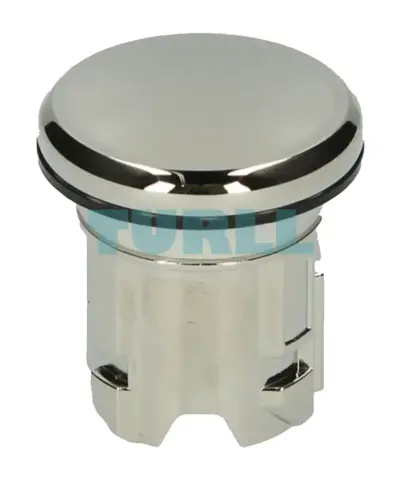
Siemens 3SU1950-0FA80-0AA0 Sealing Plug 22mm Metal, Shiny Silver Original Brand New
3SU1950-0FA80-0AA0
Original price was: $5.65.$2.29Current price is: $2.29.
In stock
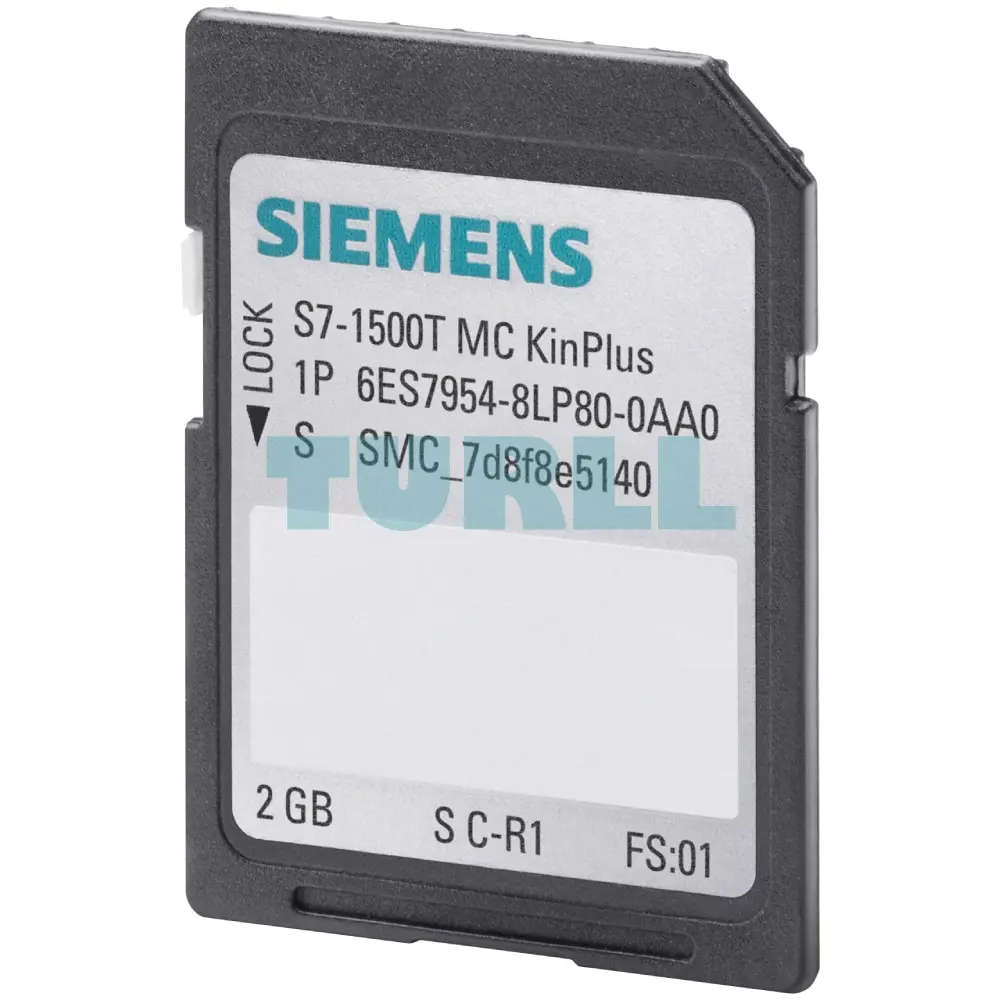
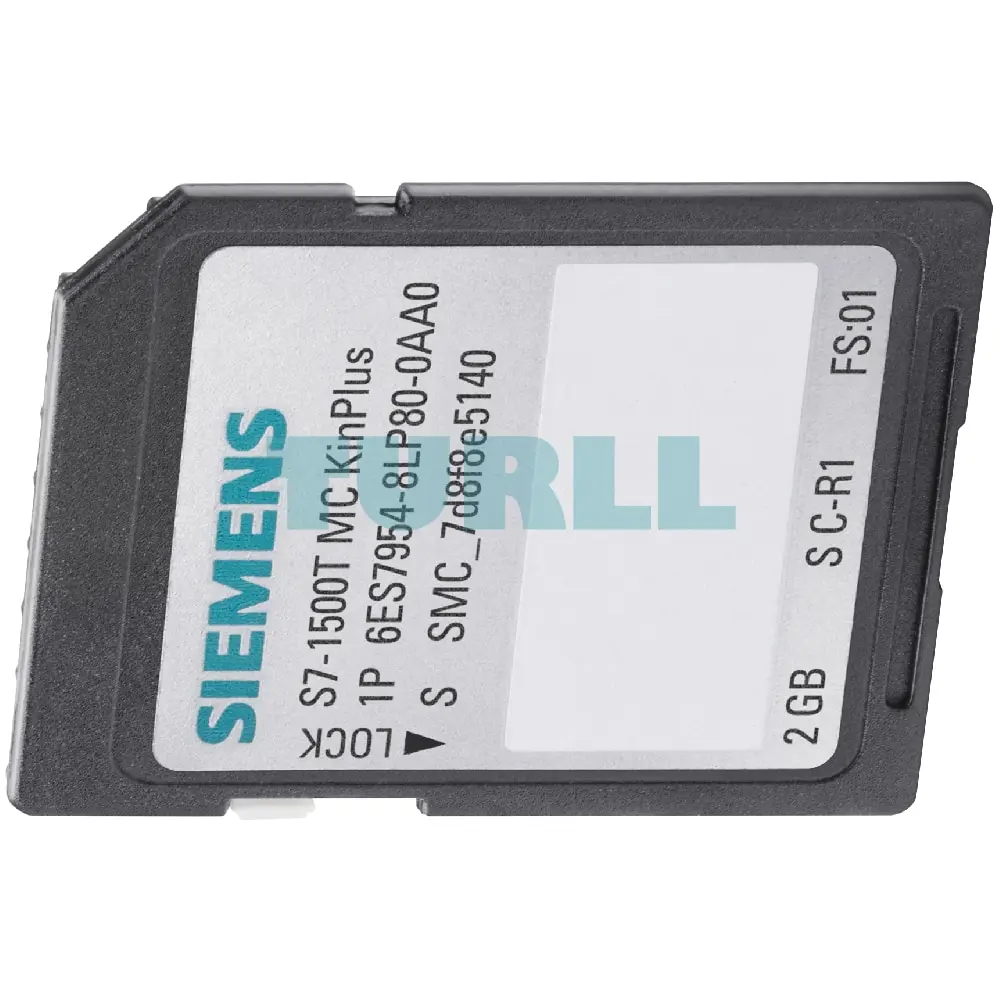
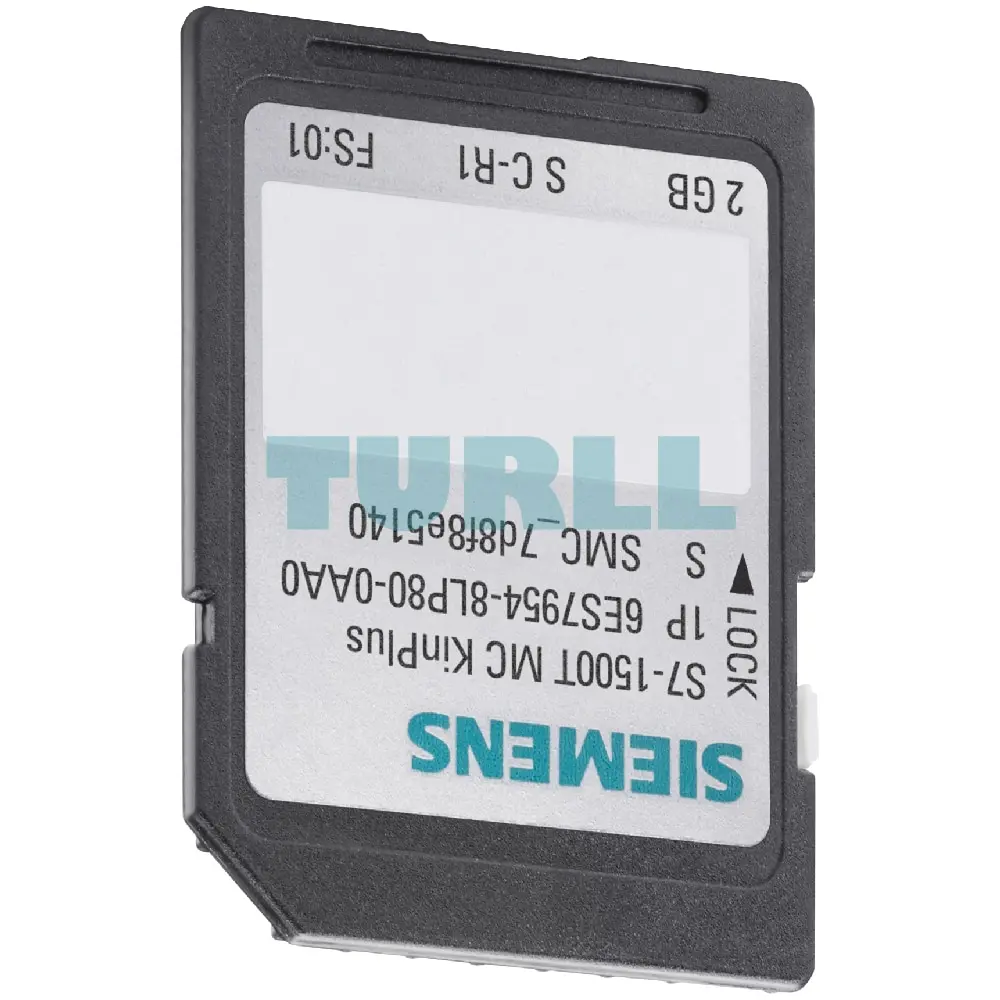
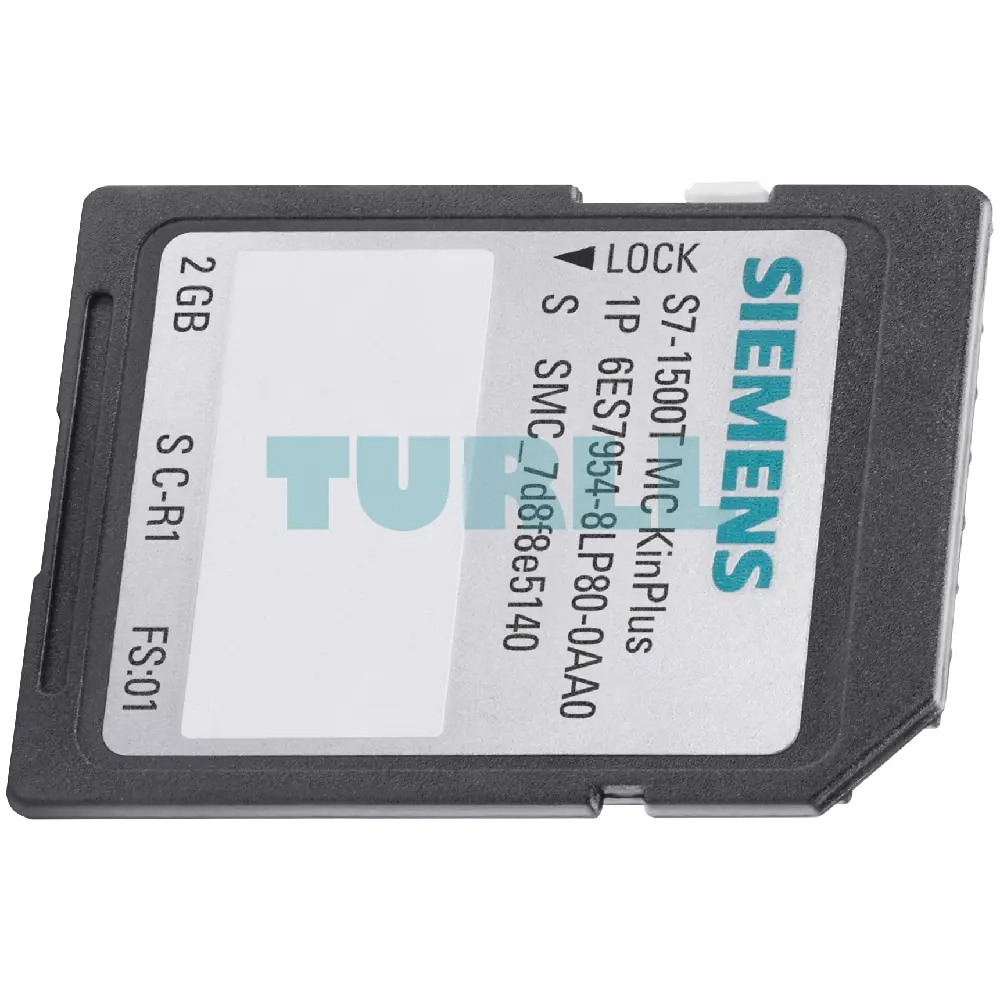
Siemens SIMATIC S7, memory card for S7-1500T Motion Control KinPlus 3.3V Flash, 2 GB
Siemens SIMATIC S7, memory card for S7-1500T Motion Control KinPlus 3.3V Flash, 2 GB
The SIMATIC S7-1500 Technology CPUs support kinematics with up to 4 interpolating axes, e.g. for handling tasks such as pick & place, assembly and palletizing.
With the Motion Control package "S7-1500T Motion Control KinPlus", this scope of functions is expanded so that kinematics with up to 6 interpolating axes can be controlled – e.g. for "oriented" handling of products by means of rotary and swivel axes.
The following additional kinematics are available with "S7-1500T Motion Control KinPlus":
Prerequisites:
The Motion Control package "S7-1500T Motion Control KinPlus" contains the complete Motion Control firmware part of a T-CPU and additionally the function extensions for up to 6 interpolating axes. This package must be copied to a SIMATIC Memory Card of the type "S7-1500T Motion Control KinPlus" and is loaded by the controller at runtime.
Kinematics with more than 4 interpolating axes are controlled via the kinematics technology object and the Motion Control package "S7-1500T Motion Control KinPlus". Via the kinematics transformation, the kinematics technology object calculates the motion setpoints for the individual axes and, conversely, the motion of the kinematics from the current values of the axes. The dynamic response specifications are taken into account in all calculations and the axis-specific motion setpoints are transmitted to the interconnected positioning and synchronous axes.
To configure kinematics, a kinematics technology object is created in the TIA Portal and the kinematics type (e.g. Delta-Picker 3D with 2 orientations) is selected. The individual axes of a kinematic system are created as technology objects of the type "Positioning Axis" or "Synchronous Axis" and connected to the kinematics technology object. In addition, the geometry of the kinematics is configured via configuration masks – where 3D visualizations facilitate the input.
For the predefined kinematics types, the kinematics transformation is part of the kinematics technology object so that the kinematics can be traversed and tested with simulated axes with just a few clicks. For user-defined kinematics 3D with 3 orientations, the kinematics transformation must be provided in a separate program.
Extensive configuration options for the kinematics are available for a wide range of applications:
For fast and intuitive commissioning, extensive configuration and diagnostic options with graphical support are available in the TIA Portal:
Visit 6ES7954-8LP80-0AA0
For more our products visit turll.com
| SKU / Model | 6ES7954-8LP80-0AA0 |
|---|---|
| Weight | 0.029 kg |
| Dimensions | 92 × 115 × 3.2 mm |
Request a quote for project quantities, discontinued or obsolete models, and pro-forma invoice / bank transfer orders. Our sourcing team responds fast.